Alpha Password
Open the vault

A password manager that cannot read your passwords.

Your master password never leaves your device. Everything is encrypted before it is sent, so the server stores ciphertext it has no key for — not as a policy, as an arrangement. Alpha Password could hand over its whole database and still not have your vault.

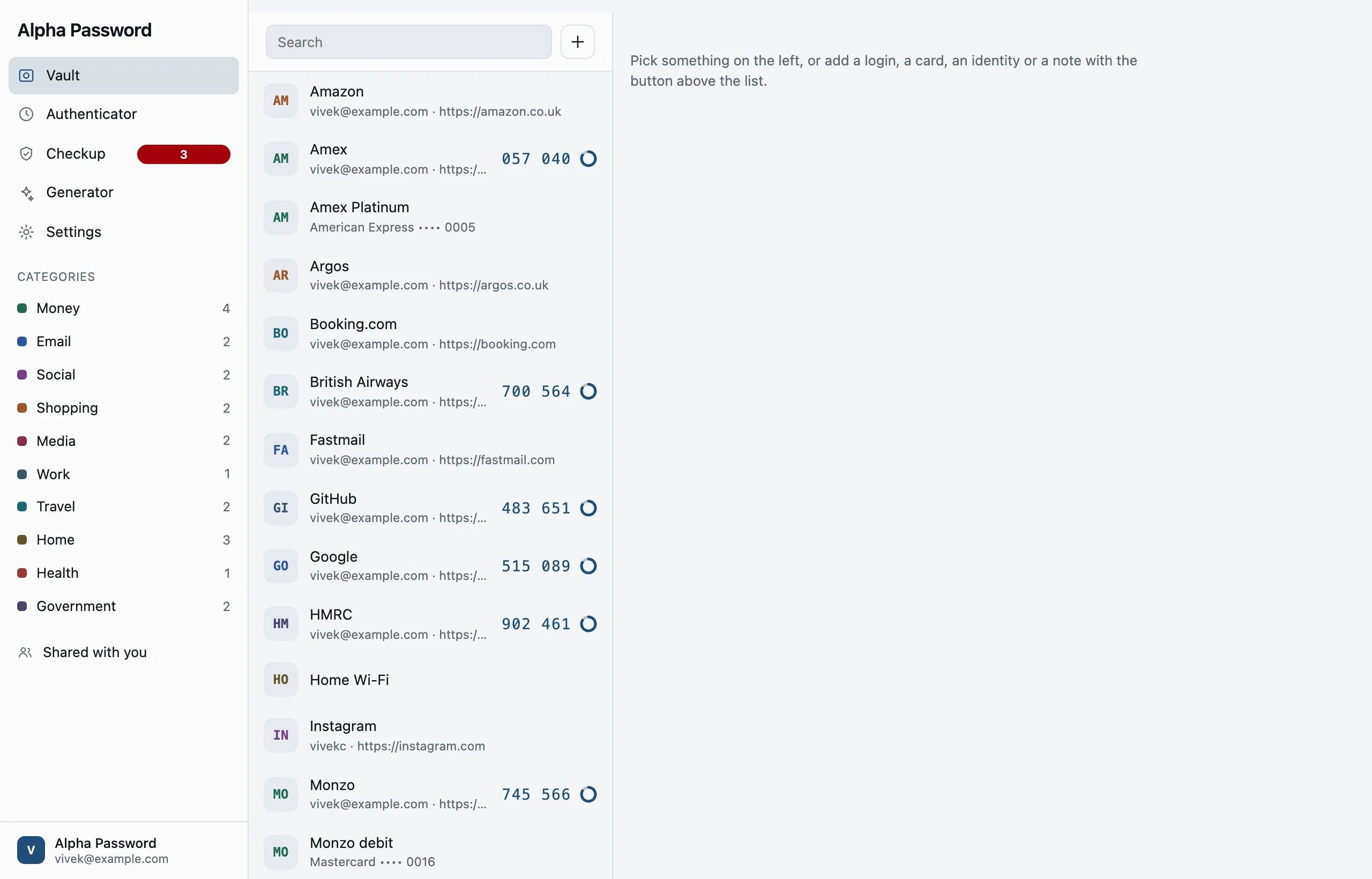
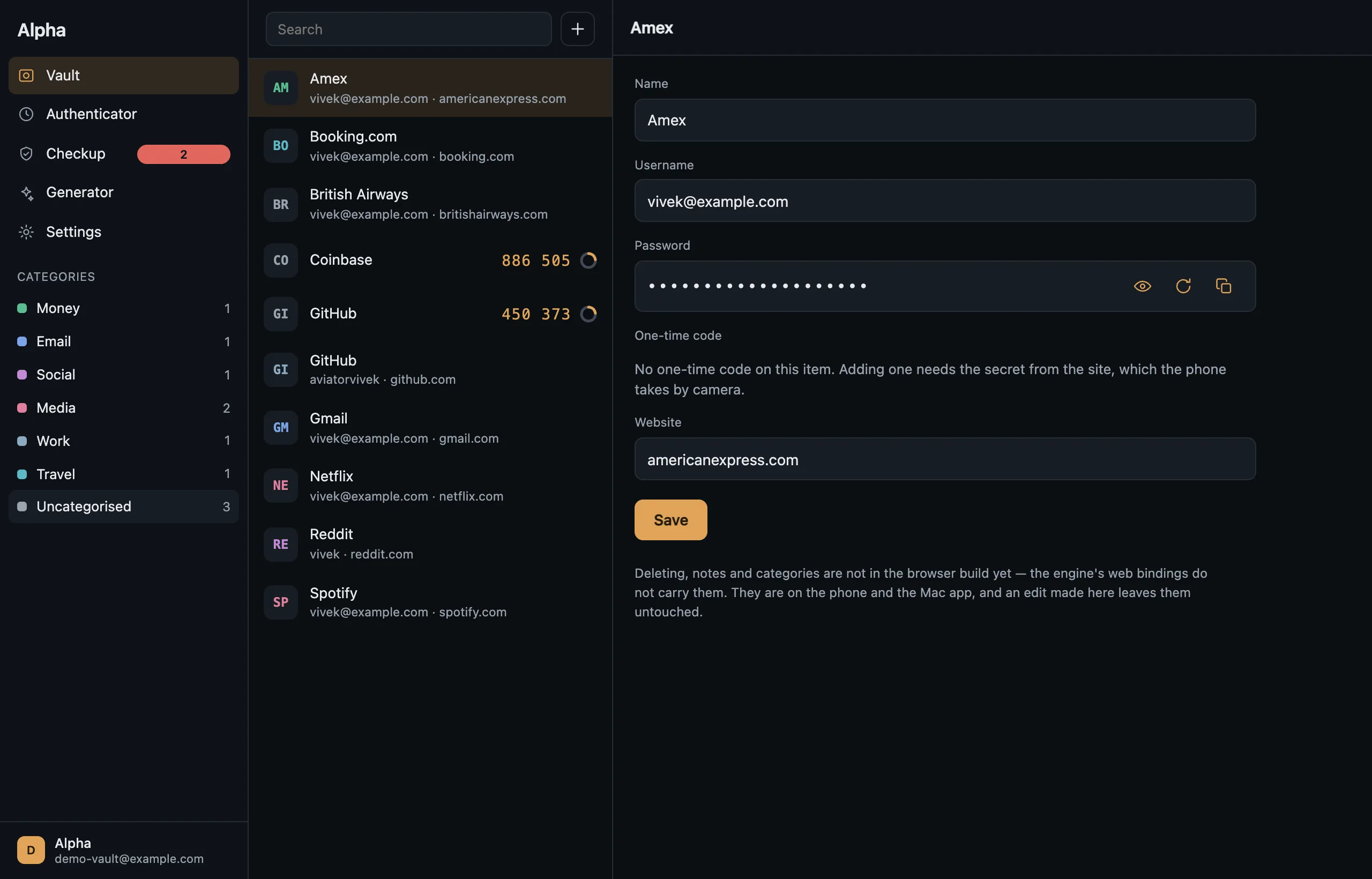
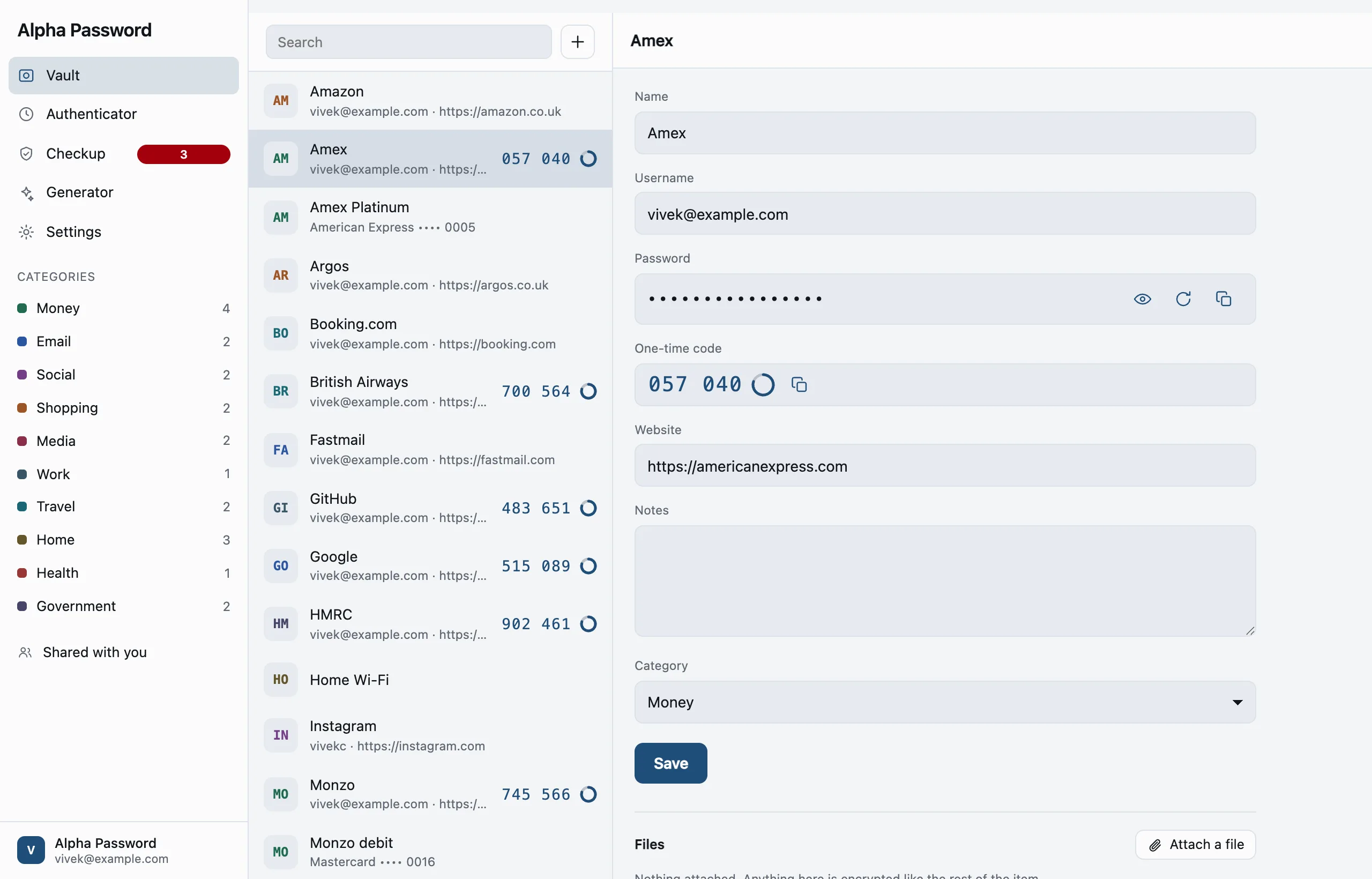
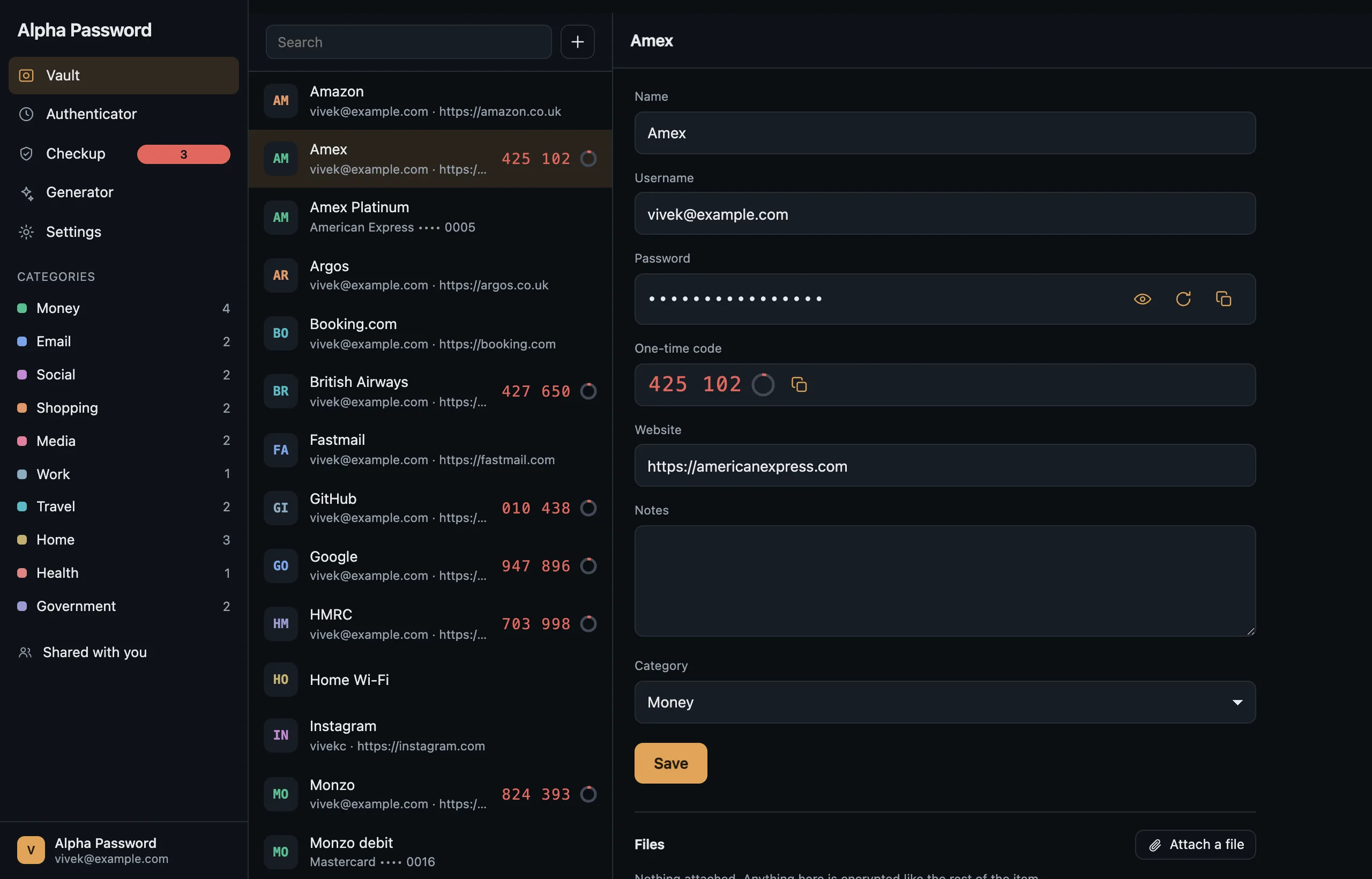
Alpha Password on a laptop: the rail, the item list, and one item open. Alpha Password on a laptop: the rail, the item list, and one item open.
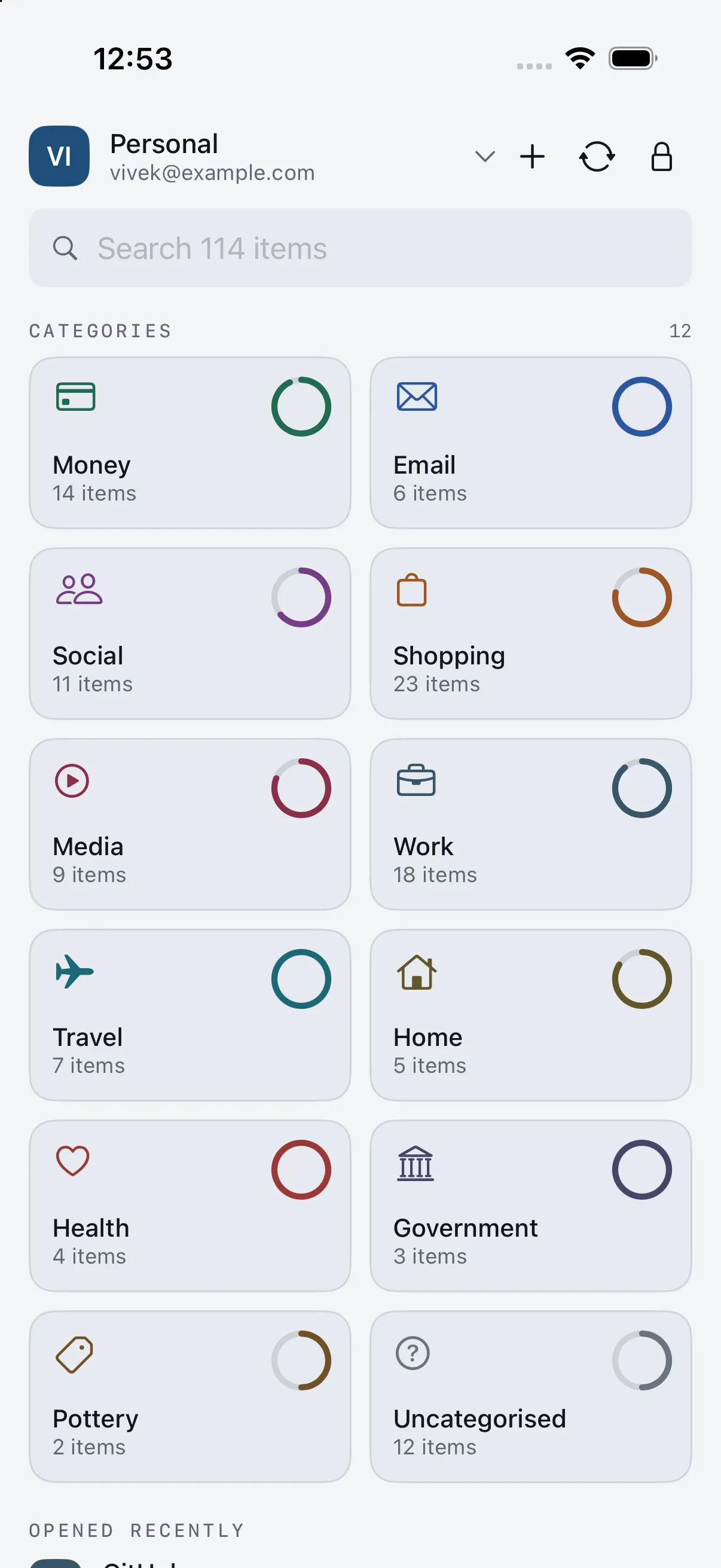
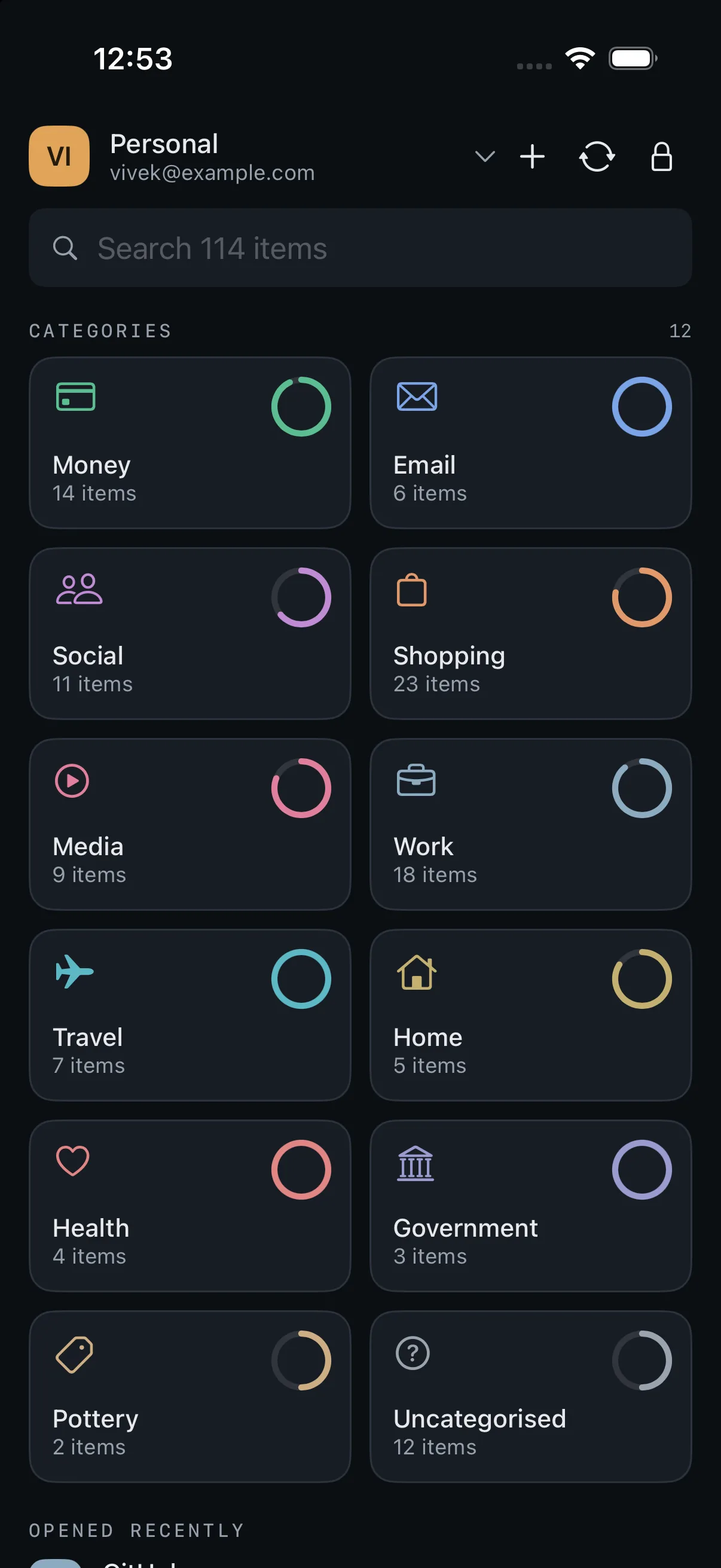
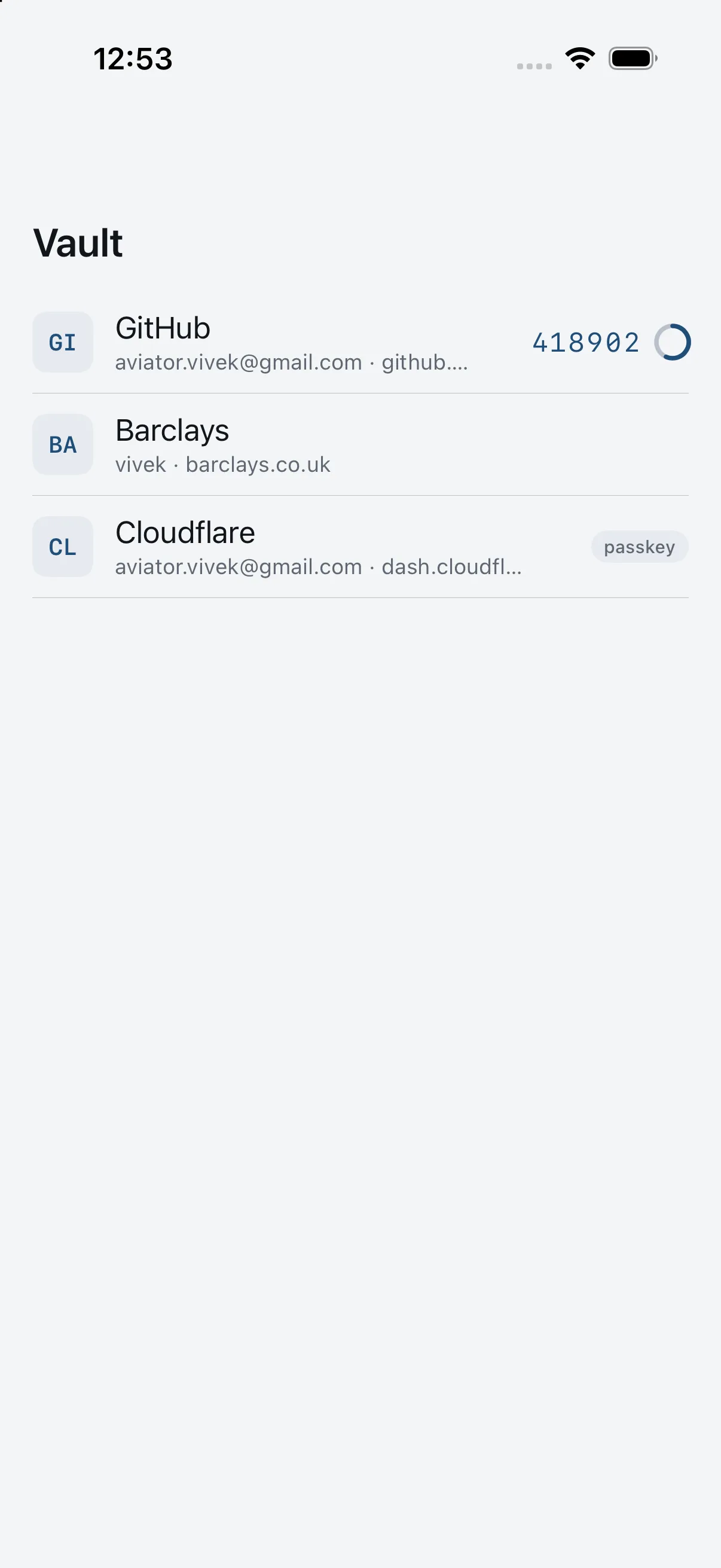
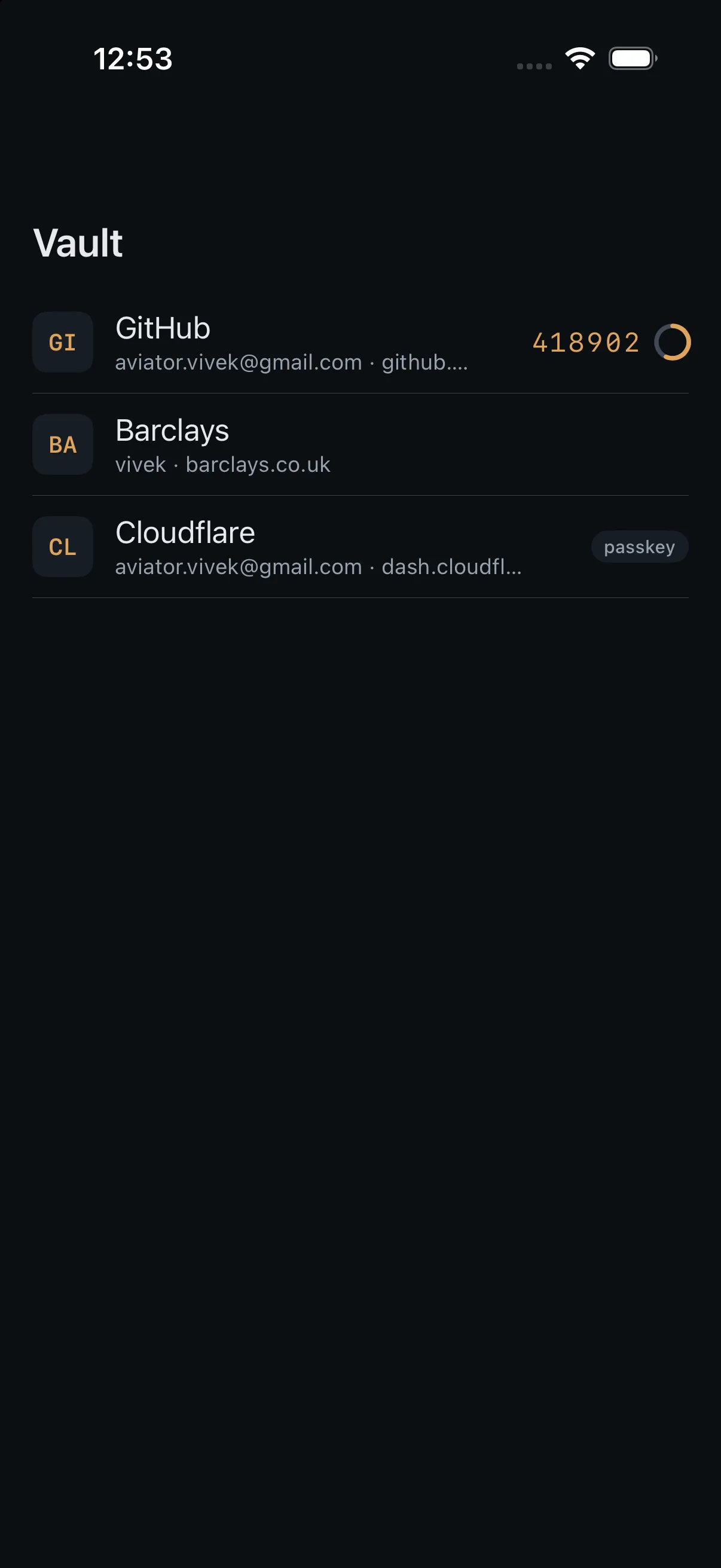
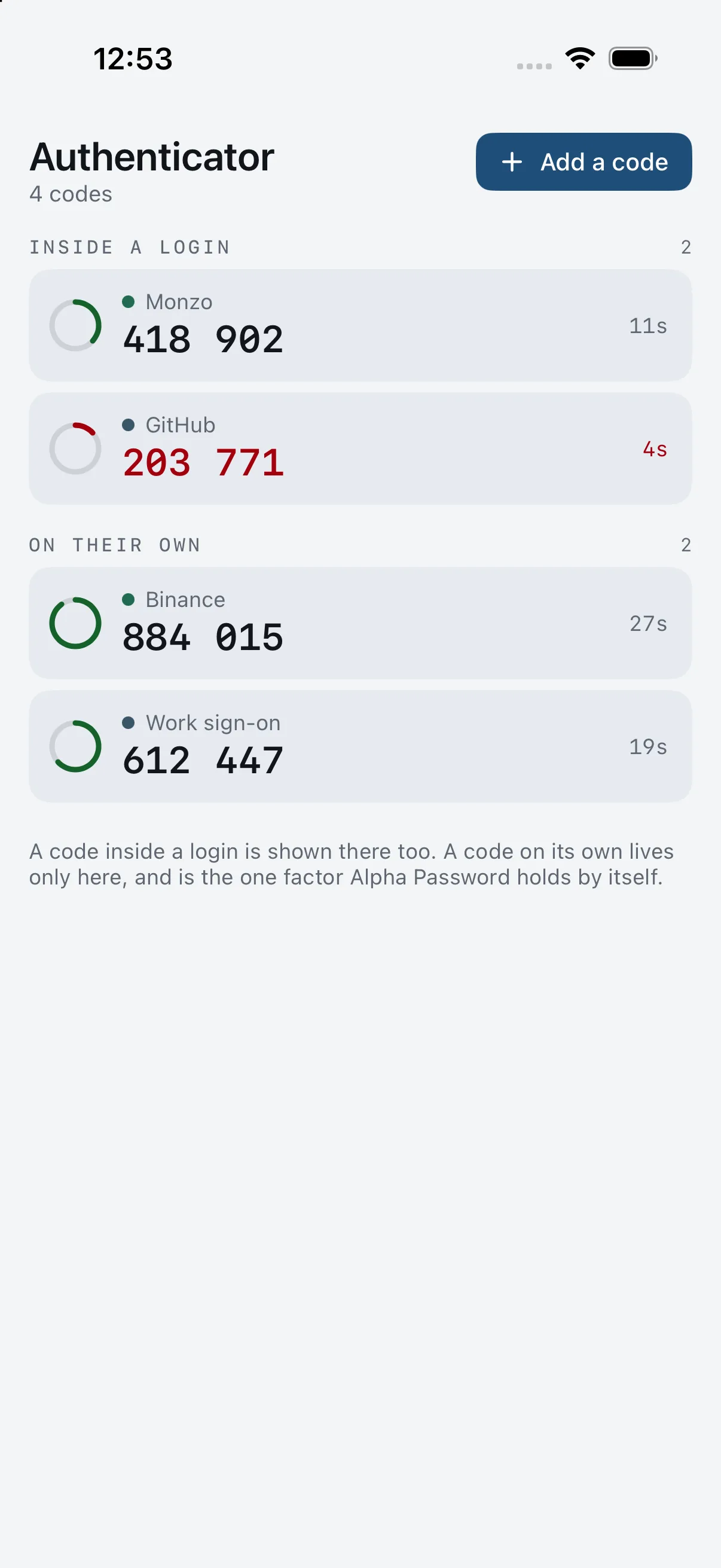
Alpha Password on a phone: the vault list with one-time codes ticking. Alpha Password on a phone: the vault list with one-time codes ticking.
GitHub
450 373

What moves between them is the middle panel: bytes with no key attached.

Chapter one

What it is like to actually use it.

Every screen below is the real thing, taken from a running vault by a script rather than drawn for this page. Scroll through one and it moves the way it moves.

Opening it

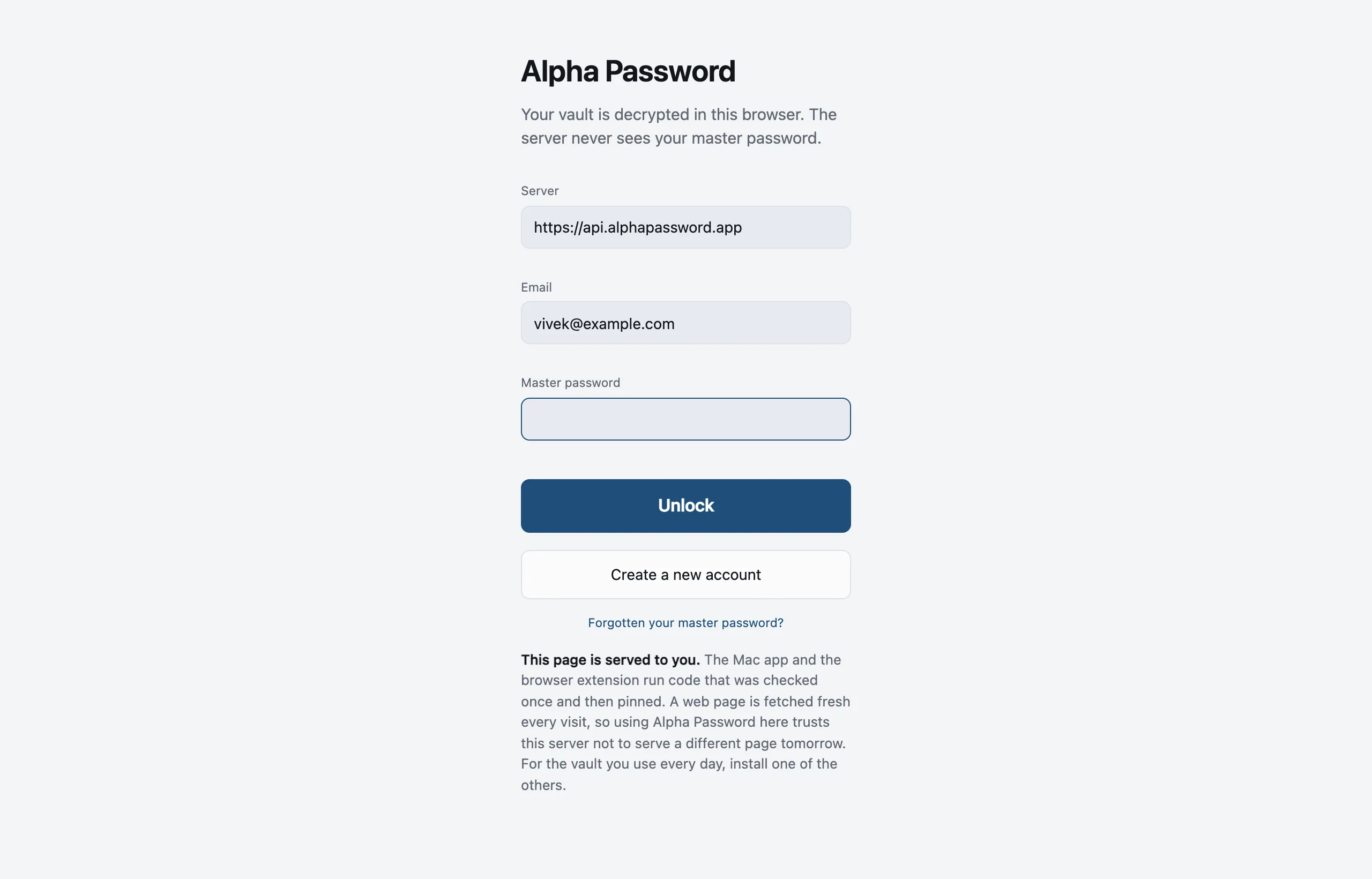
One password, and it stays in this browser.

The address of your server, your email, and the one password Alpha Password cannot reset. Nothing derived from it is sent anywhere.

  • Argon2id, 64 MiB, three passes — the same cost as on the phone, with no discount for being on the web.
  • Run Alpha Password's server or point this at your own.
  • The page says what a web page cannot promise, before you type anything.

Inside

Your vault, filed the way you think.

Ten categories to start with, plus any you invent while filing an item. Search matches titles, usernames and addresses.

  • Logins, cards, identities, notes, passkeys and standalone codes.
  • One-time codes tick in the list, so the common case needs no click at all.
  • Alpha Password guesses a category when you save — and says that it guessed, so the guess never quietly becomes your decision.

Open

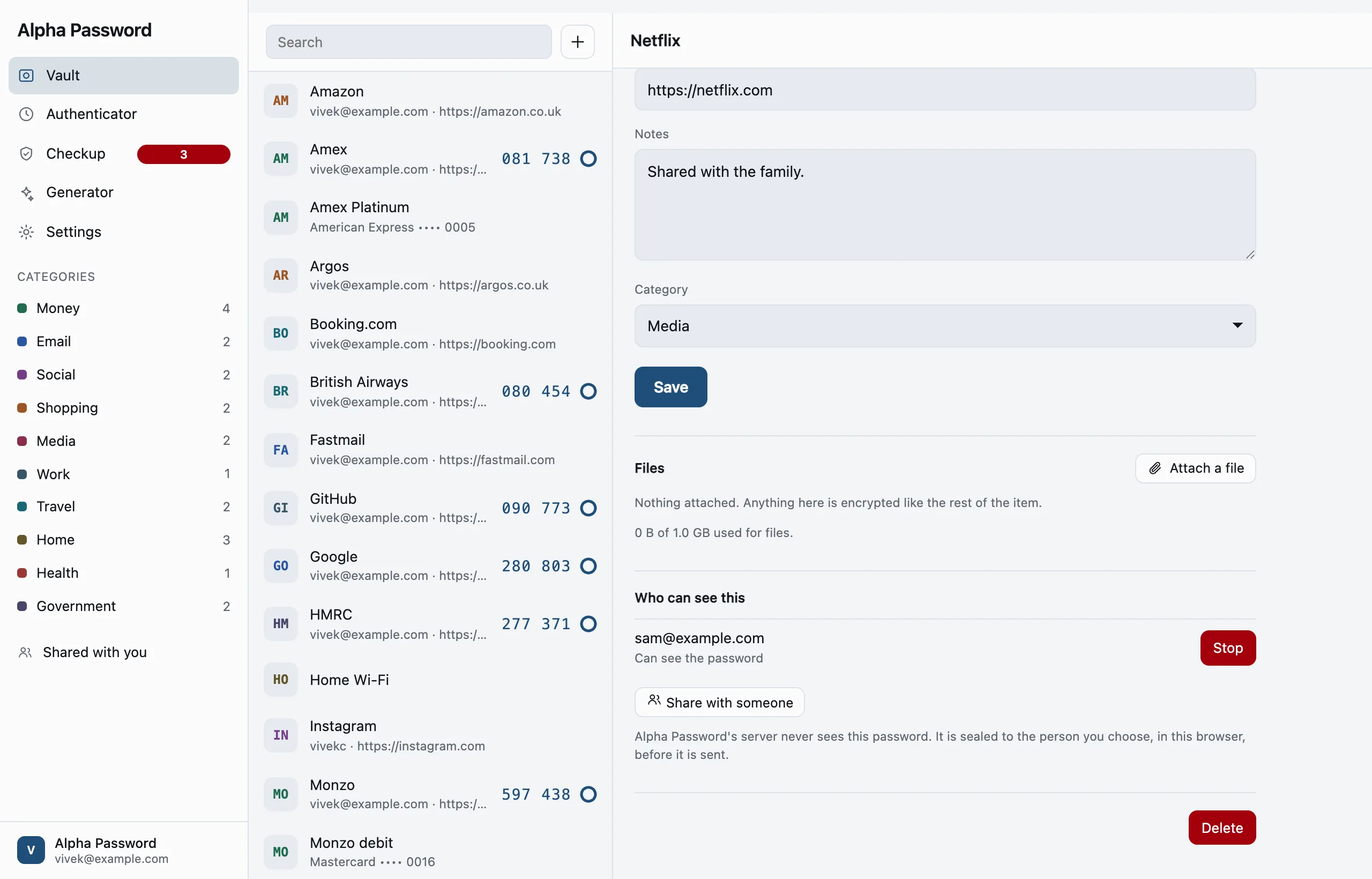
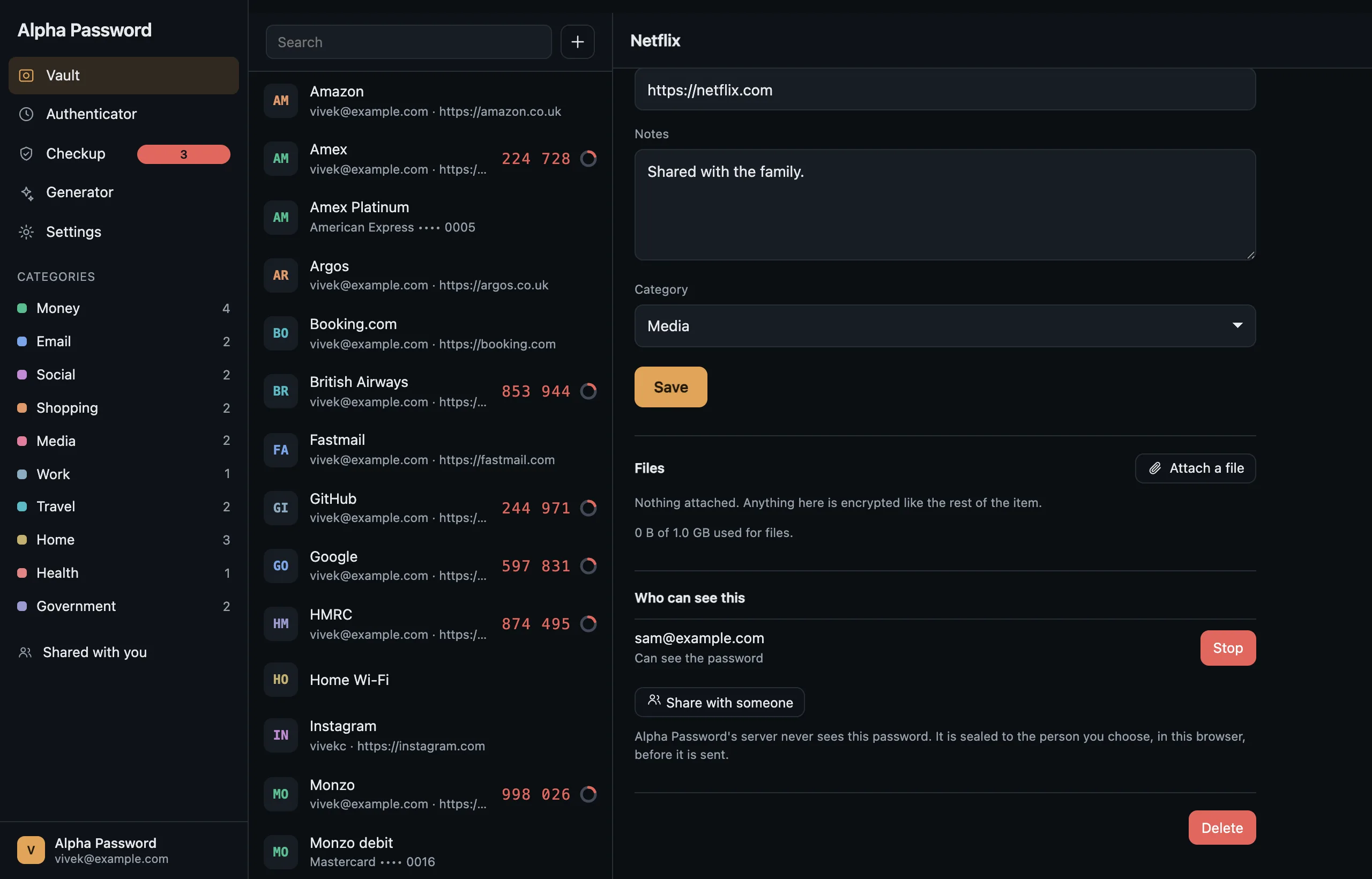
The item opens beside the list, not on top of it.

Three panes on a desk, so finding something and reading it are not the same click undone.

  • Password, one-time code, note, files and category in one column.
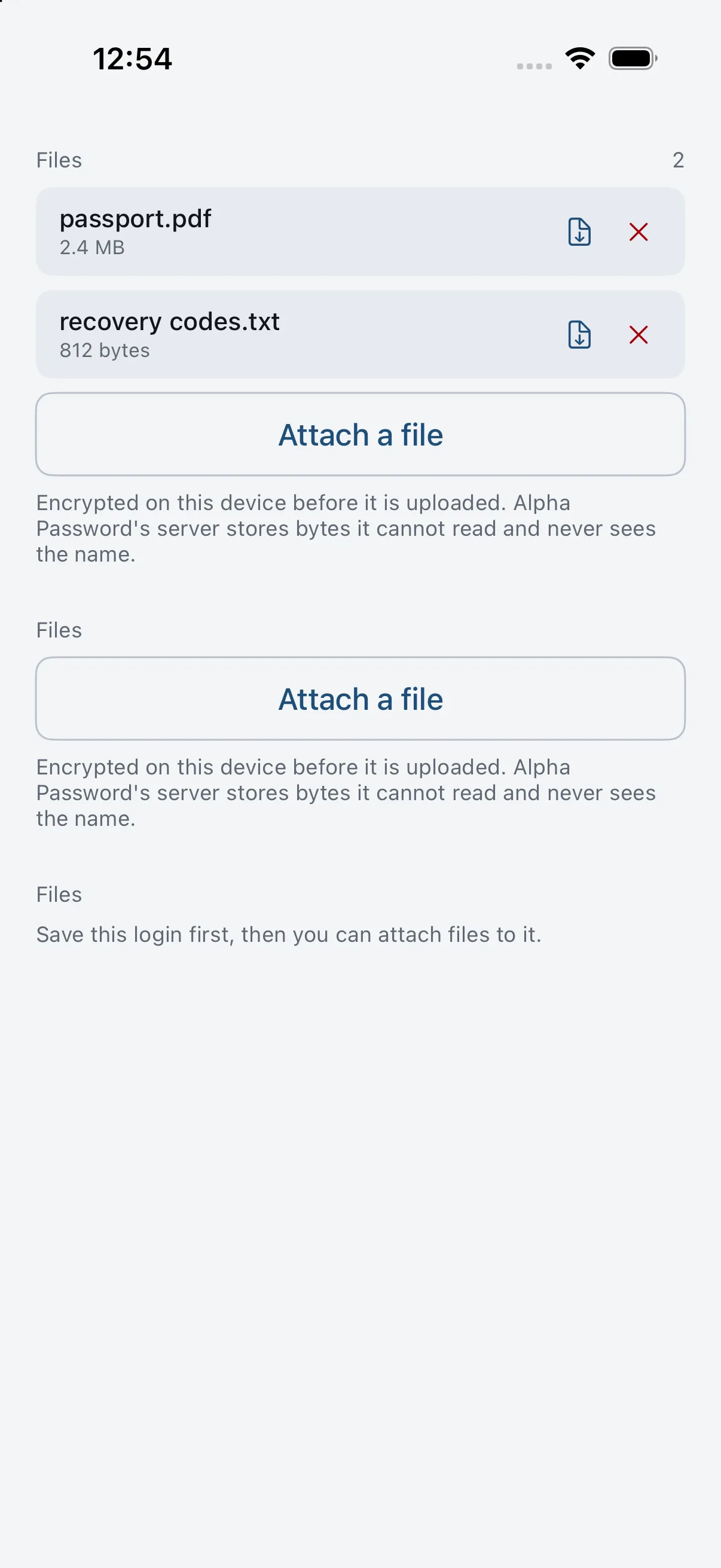
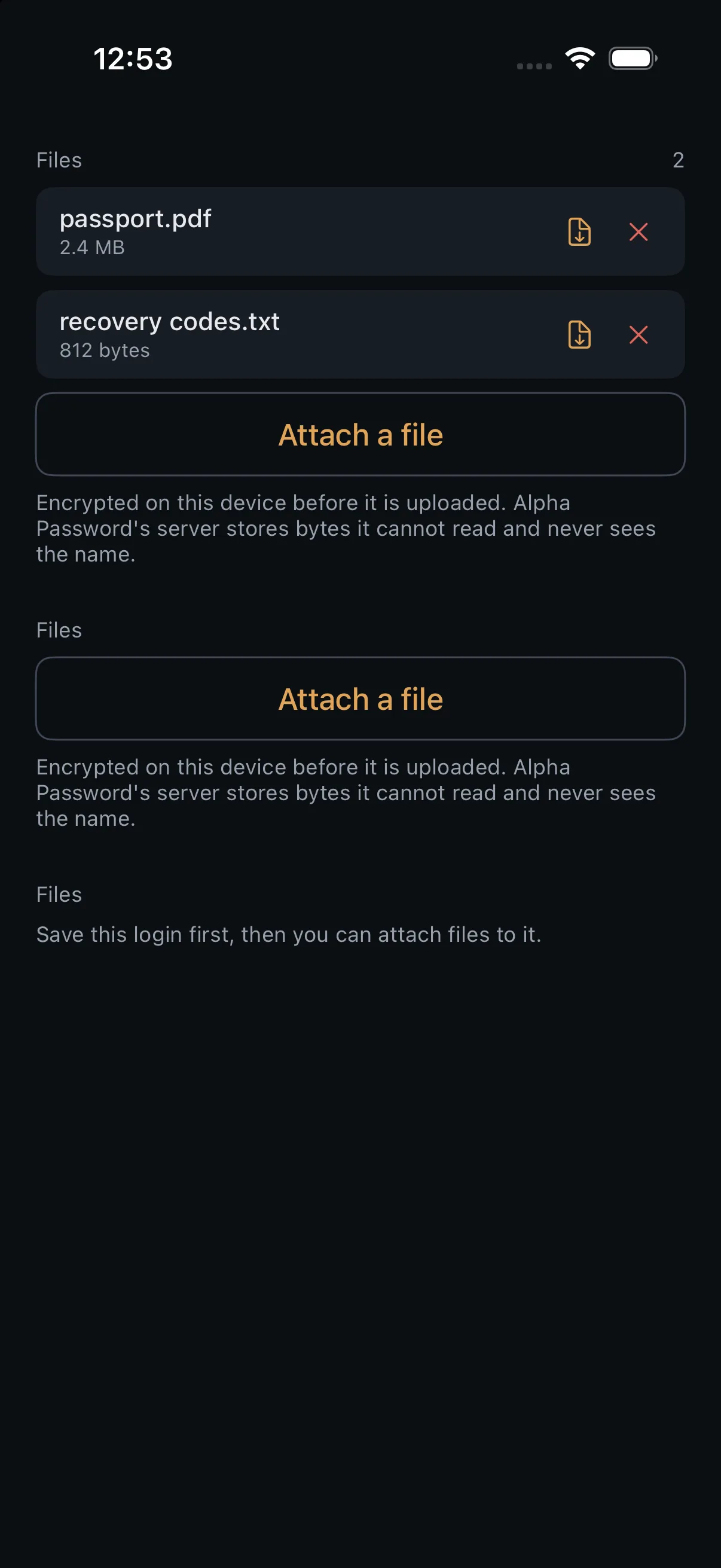
  • Attachments are sealed in the browser before a byte is uploaded.
  • Deleting asks twice and says what the first click costs — there is no trash.
vault.alphapassword.app
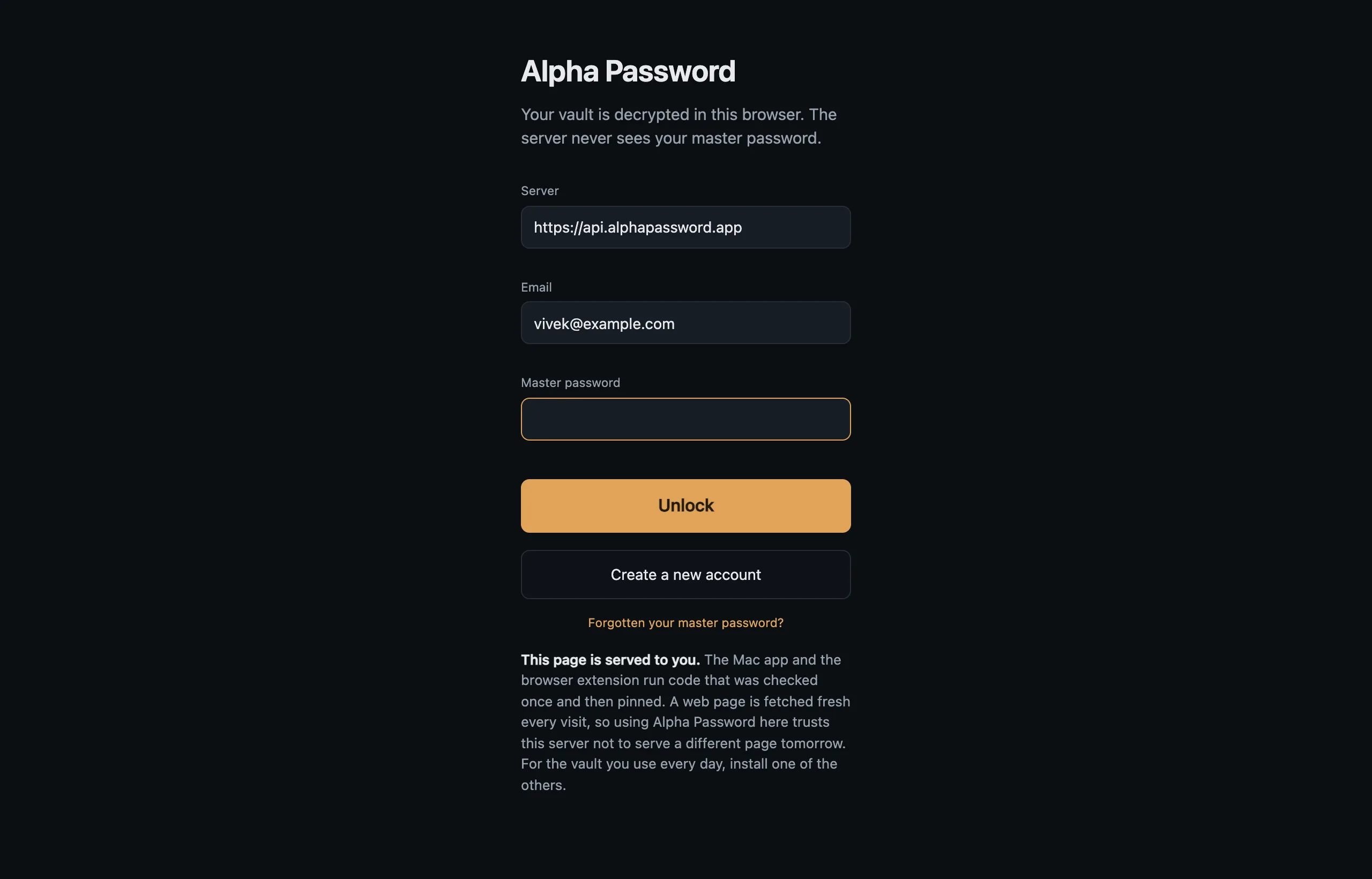
The sign-in screen: server, email and master password. The sign-in screen: server, email and master password.

Filing

A hundred items is a list. Ten categories is a vault.

A vault imported this morning should not open on a screen where everything sits in Uncategorised, so Alpha Password guesses from the address.

  • Ten built in — Money, Email, Social, Shopping, Media, Work, Travel, Home, Health, Government.
  • Invent your own while filing something; typing "Money" reaches the built-in rather than making a second one beside it.

Filing

Pick one and the list is only that.

The count beside each name is the answer to "how much of this is mine to worry about", before you click anything.

  • A guess is offered under a line saying it is one. A filing is simply stated. They are not the same thing and never look the same.
  • Which categories exist and what a typed name files into is decided once, in the engine — not three times, by three clients.
vault.alphapassword.app
Every item in the vault, with the categories listed down the rail. Every item in the vault, with the categories listed down the rail.

Not only logins

Add is a menu, not a button that silently means "login".

A password manager that can only hold passwords sends everything else to a note, and a note is where information goes to stop being usable.

  • Login, card, identity and secure note here; a one-time code that belongs to no login is added from the Authenticator.
  • Passkeys are shown here read-only. A passkey is made by a site's WebAuthn ceremony, which the extension answers; a page with no ceremony to answer has nothing to create one with.

Not only logins

A card knows that it is a card.

It reads the scheme off the number, checks the number the way a payment form would, and keeps the expiry as the field it actually is.

  • Which boxes each type has is decided in the engine, not on this screen.
  • "Is a card expiry one field or two" answered separately by three clients is how a card typed on a phone opens on a laptop with an empty box where the expiry was.
vault.alphapassword.app
The Add menu: login, card, identity, note and one-time code. The Add menu: login, card, identity, note and one-time code.

The authenticator

Six digits are only half an answer.

The ring beside them says whether the code will still be valid by the time you have pasted it. Almost nothing else shows you that.

  • Codes that live inside a login are kept apart from ones that stand on their own.
  • The same RFC 6238 implementation runs on the phone, the Mac and the watch, so they cannot disagree by a digit.
  • No network. A code is arithmetic on a secret you already hold.

The authenticator

Copied — and this page will not take it back.

The Mac app clears a copied secret after thirty seconds, and checks first that you have not copied something else since. A web page cannot.

  • So it says so rather than implying otherwise. Settings says it too.
  • Where the browser refuses the write outright — Safari's rules, Firefox's permission, any plain http origin — the value is revealed and selected so ⌘C still works.
vault.alphapassword.app
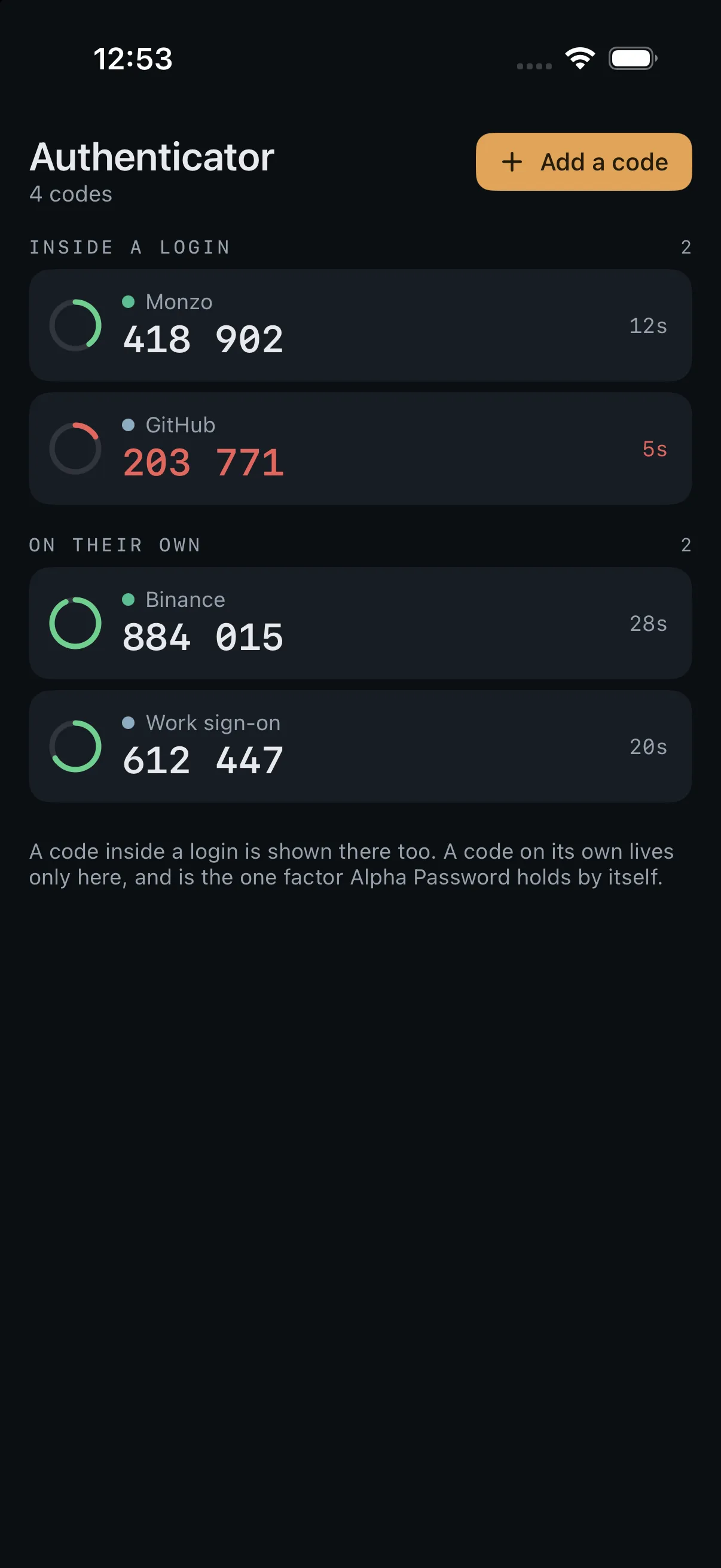
The authenticator: codes with a ring showing how long each has left. The authenticator: codes with a ring showing how long each has left.

The checkup

A checkup that names names.

Reused passwords, guessable ones, and logins with no second factor — with the items listed, not just counted.

  • "Three reused passwords" is a statistic. "Google · Netflix" is something you can go and fix.
  • It runs on your device, over your vault, and sends nothing anywhere to do it.
  • The number in the rail is how many things are worth doing, not a grade.

The checkup

The breach check is opt-in, and shows its terms first.

Alpha Password holds no breach list, so this asks somebody who does. What that costs is written on the button's own screen rather than in a policy.

  • It sends the first five characters of each password's SHA-1 hash and nothing else — one request per distinct password.
  • Each reply carries every hash starting those five characters, tens of thousands of them, and the comparison happens on your device.
  • They learn that somebody asked about a bucket. Not which password, and not whether it matched.
vault.alphapassword.app
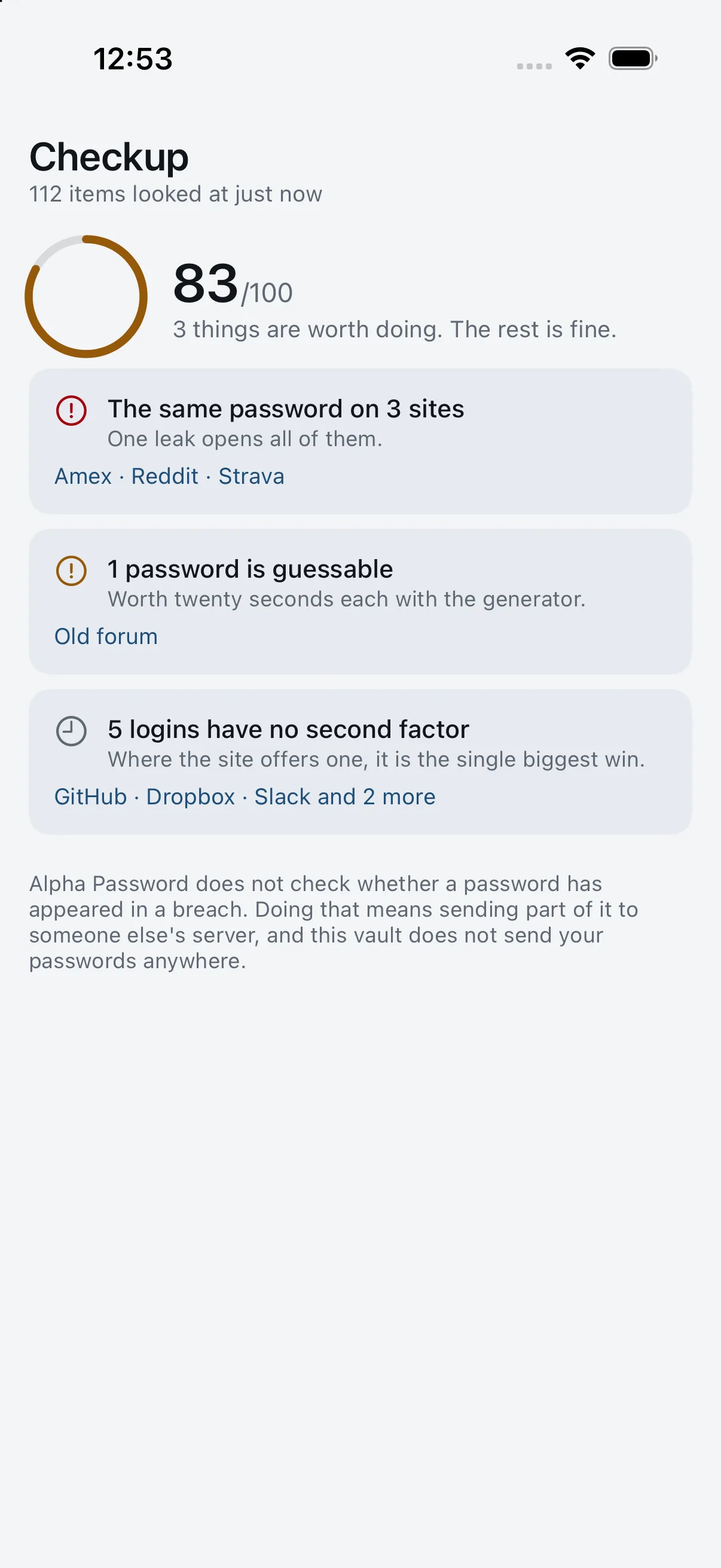
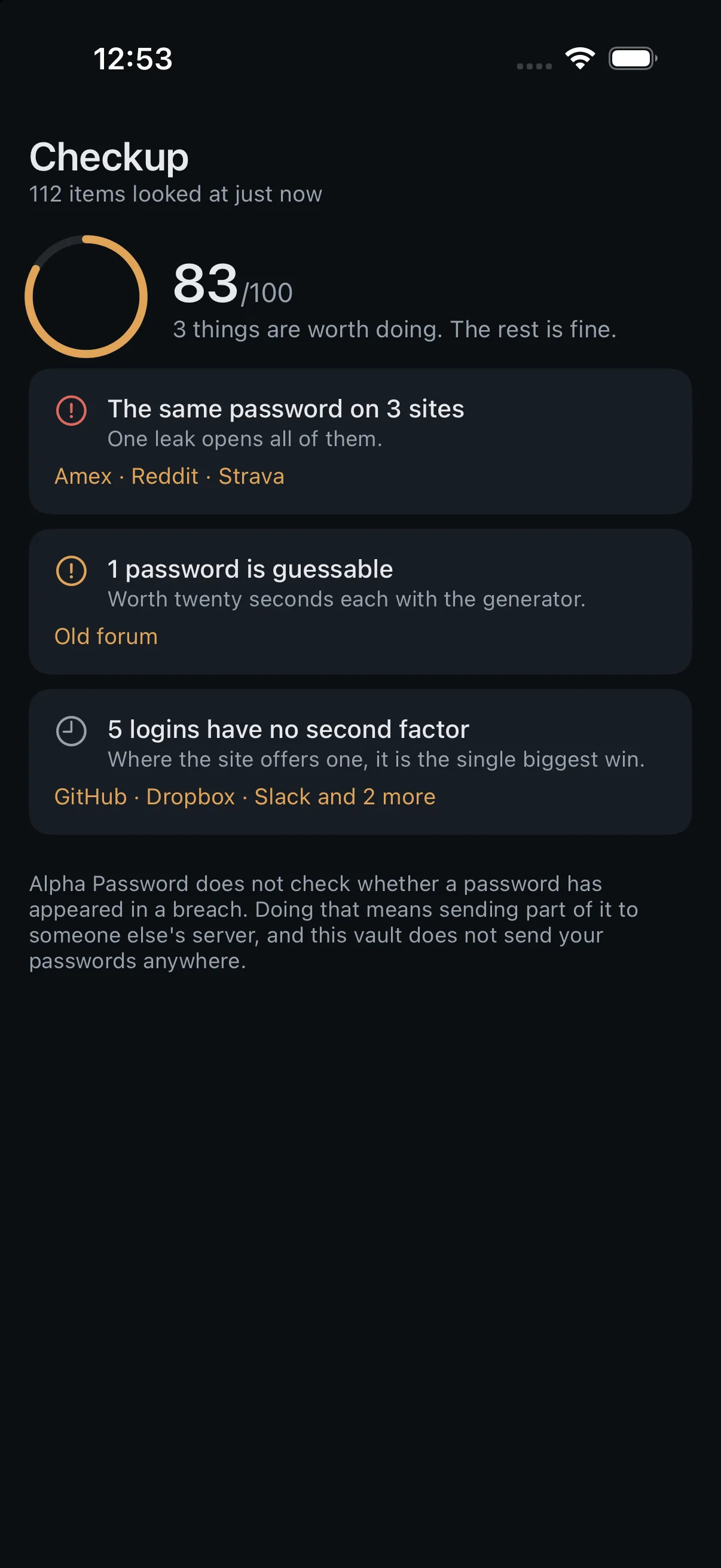
Checkup: a score, and findings that name the items they are about. Checkup: a score, and findings that name the items they are about.

The generator

A generator that tells the truth about its own output.

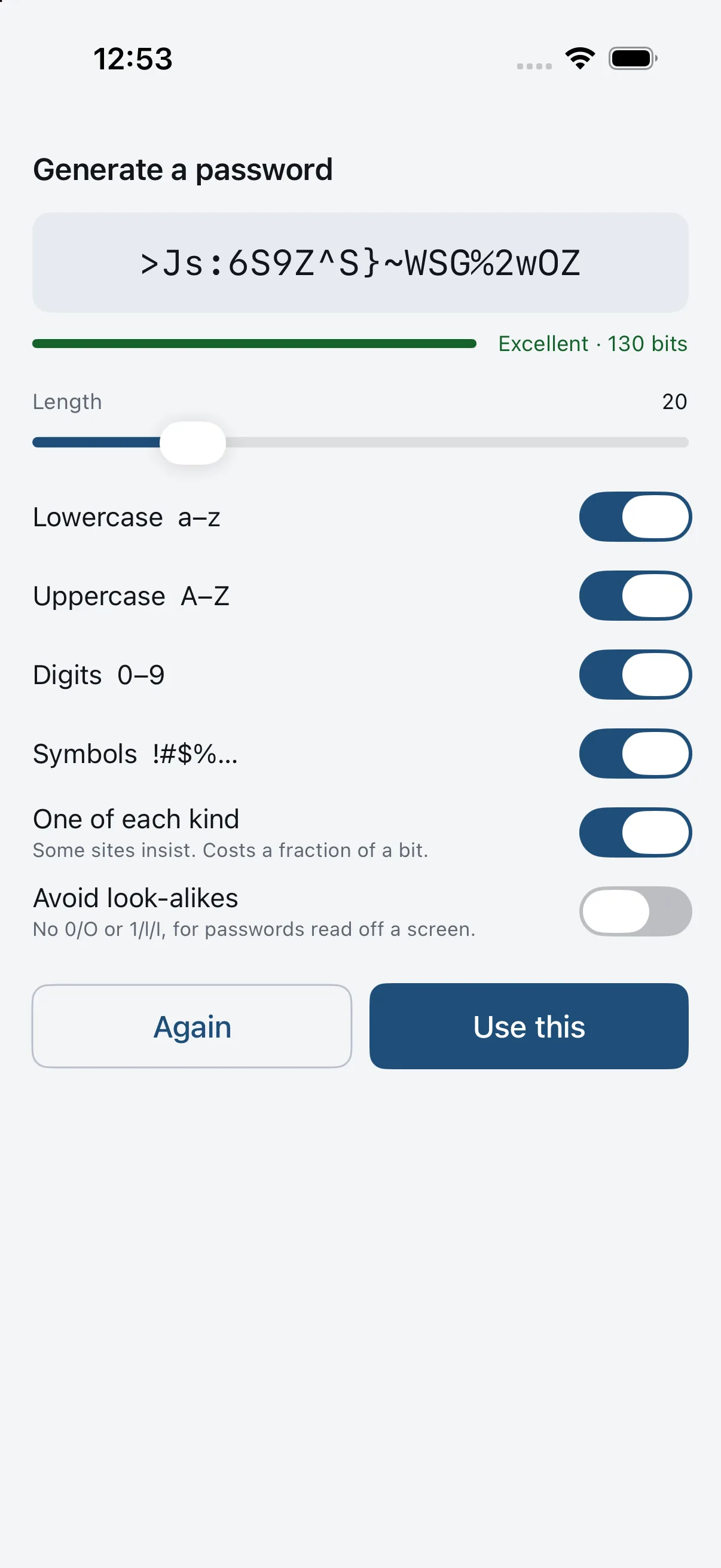
The bit count is the logarithm of how many passwords your settings can actually produce, worked out by inclusion–exclusion over the classes you required.

  • Not length × log₂(alphabet) printed next to a "must contain a digit" switch that quietly contradicts it.
  • Look-alikes off by default: no 0/O or 1/l/I, for passwords read off a screen.

The generator

Change the rules and the number moves with them.

Take away the symbols and the digits, shorten it, and the figure falls — because it was measuring the settings, not decorating them.

  • Switch everything off and it refuses in words, rather than greying out a control and leaving you to work out which one.
  • The same generator, from the same Rust, on the watch and the phone.
vault.alphapassword.app
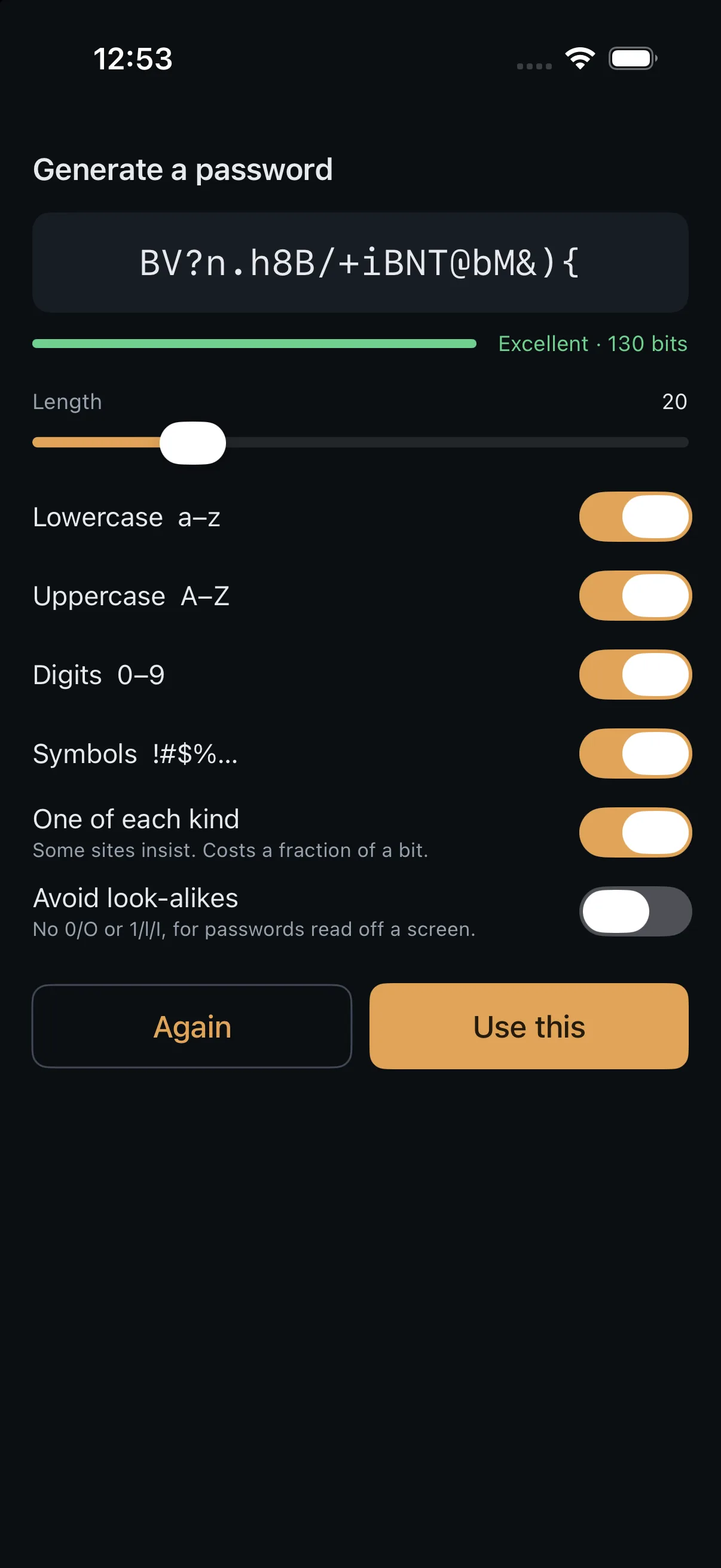
The generator: a password, a strength bar, and the honest bit count. The generator: a password, a strength bar, and the honest bit count.

Everywhere else

The same five destinations, named the same way, on every device

Vault, Authenticator, Checkup, Generator, Settings. Not a cut-down phone version of a desktop app and not a different product on a small screen — the panes stack instead of sitting side by side, and that is most of the difference. One Rust core does the cryptography on all of them.

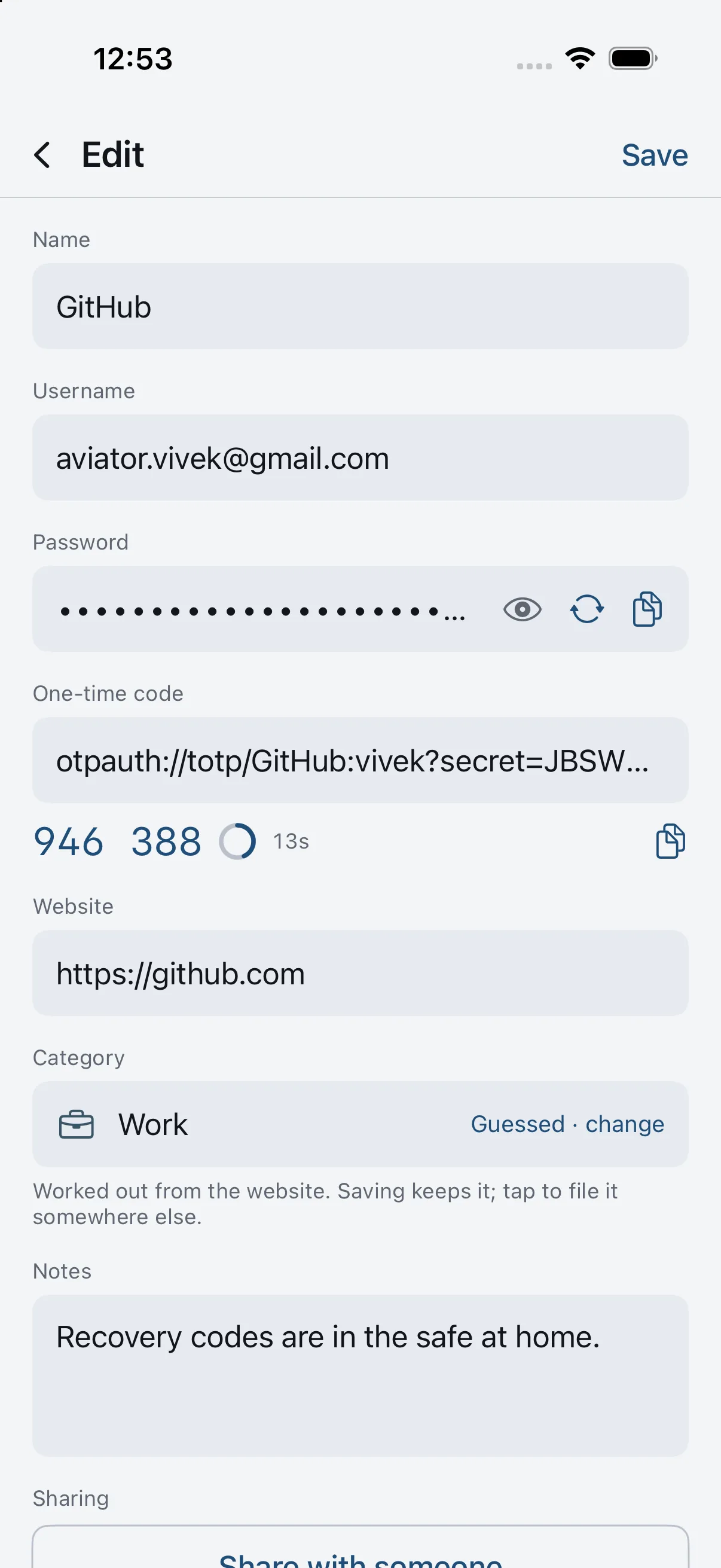
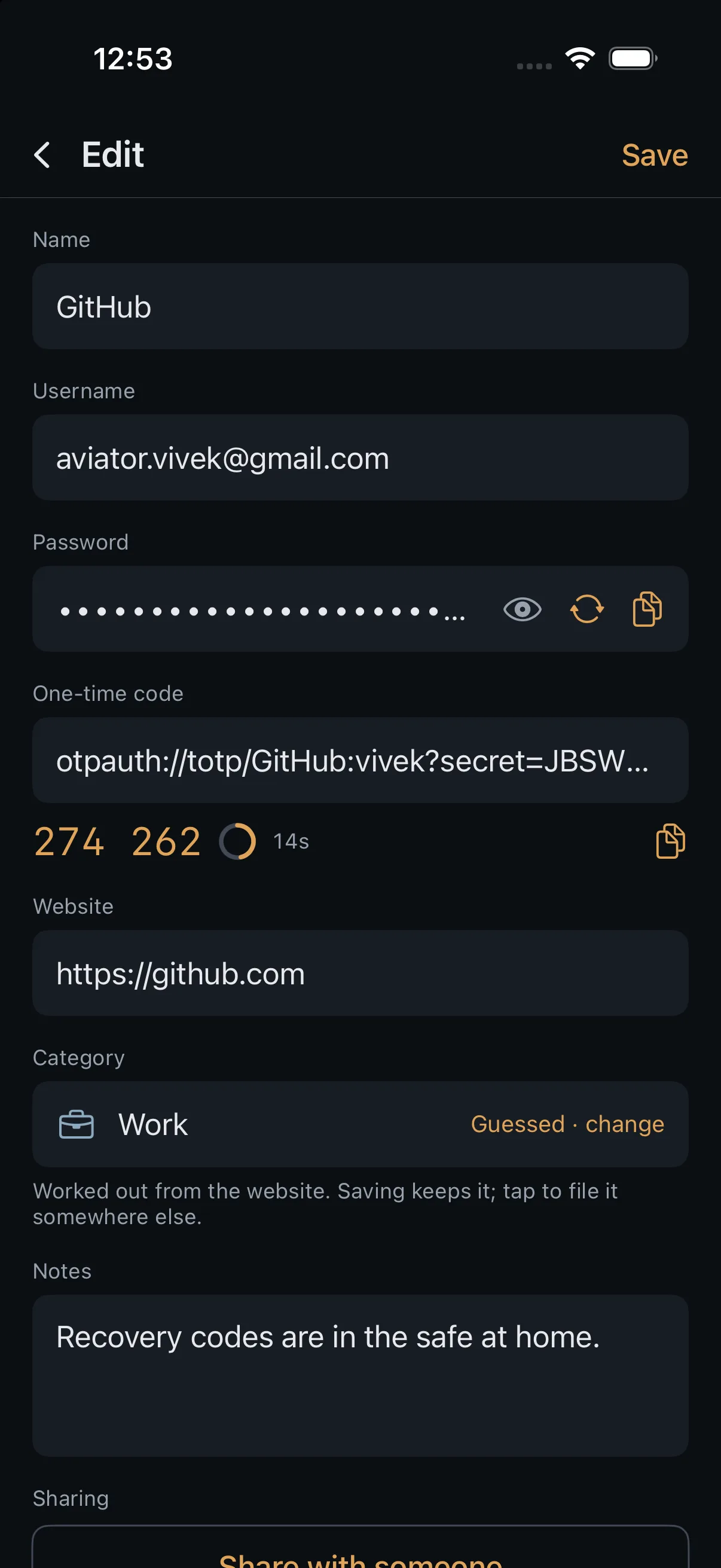
An item open on a phone, with the panes stacked. An item open on a phone, with the panes stacked.
An item
The authenticator on a phone, codes ticking down. The authenticator on a phone, codes ticking down.
The authenticator
The checkup on a phone, naming the items in each finding. The checkup on a phone, naming the items in each finding.
The checkup
The generator on a phone, with the same honest bit count. The generator on a phone, with the same honest bit count.
The generator

Chapter two

Why it cannot read them, rather than why it would not.

Every password manager promises not to look. The difference worth paying attention to is whether looking is something the arrangement makes impossible.

The proof

One item, twice

On the left, what you see. On the right, the row the server keeps for it — copied out of a running Alpha Password server, not drawn for this page.

On your device
AM
Amexvivek@example.com · americanexpress.com
••••••••••••••••
367 787
What the server holds
item_id
40f6ab36-bd0c-4b93-806e-9f6fe6d2a8c7
revision
23
size_bucket
3
updated_at
2026-08-25 02:39:05+00
ciphertext
bytea
AeReTm1xDwy9zWupfXIRfVOuPt8vil6pkvA2ydrSInyEcJNlzmWNwFt1PnLO1awojkuN1duuLYxpELDJqtJ9ESUZHlqtU17BGCc1iaTlLne7cPmG4AiEKpb+YJXsAu8rvUu/GNsChUlpVQr1DbTTQ07j4Jl2JA3GeCxujF94JJVlWJh5mV/2hfS+Qd5Dz4yTD5lT1dZW1//GBExR3u2JlvPb4E14bi5yd3VL/t7pqV6p7szyfWywQXcye5gmEm8Y1CHs2zCew+Dd/YvFOCZCPWzKz8F6LeCjlPNXGFnbz1rxmEsB
There is no column for a title, a username, or a category. The schema has nowhere to put one.

How it works

Three steps, and none of them happen on the server

01

Your password becomes a key

Argon2id, 64 MiB and three passes, on your device. The same cost in a browser as on a phone — no discount for being on the web.

02

The key never moves

Items are sealed on the device that wrote them. Every field carries its own timestamp so two devices editing at once merge rather than overwrite.

03

The server counts revisions

It stores blobs, refuses stale writes, and hands them back. It is deliberately dumb, because anything clever there would need to understand your vault.

You do not send a password to sign in, either.

Most managers send something derived from your master password and ask the server to compare it. Alpha Password uses OPAQUE: both sides prove the password matches without the server ever holding anything that could be replayed or cracked offline. None of 1Password, Bitwarden or Proton Pass does this.

What the server sees

The honest list

Zero-knowledge is a claim about content, not about the shape of your traffic. A server that stores your vault necessarily learns some things about it, and pretending otherwise is the part usually left out.

Alpha Password's protocol specification lists these in the open. This page exists partly so they are not first read in somebody else's write-up.

  • how many items you have
  • roughly how big each one is
  • when you last wrote to each
  • how often you sync
  • how many devices you use
  • who you share items with
  • your email address

Chapter three

Sharing, moving in, and the rows we lose.

The end of a marketing page is normally where the awkward parts go. They are here because they are the parts that decide whether this is the right thing for you.

Sharing · step one

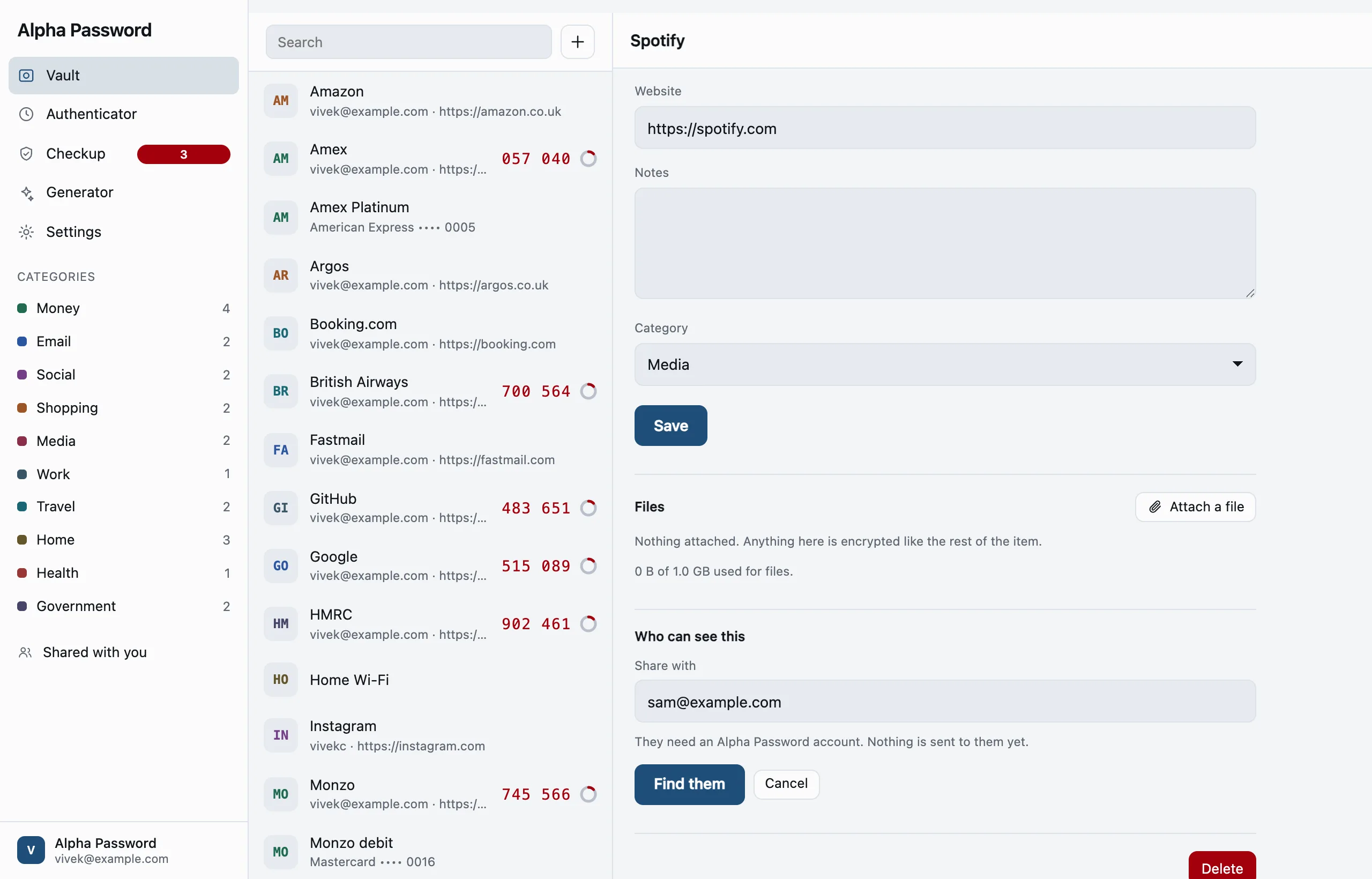
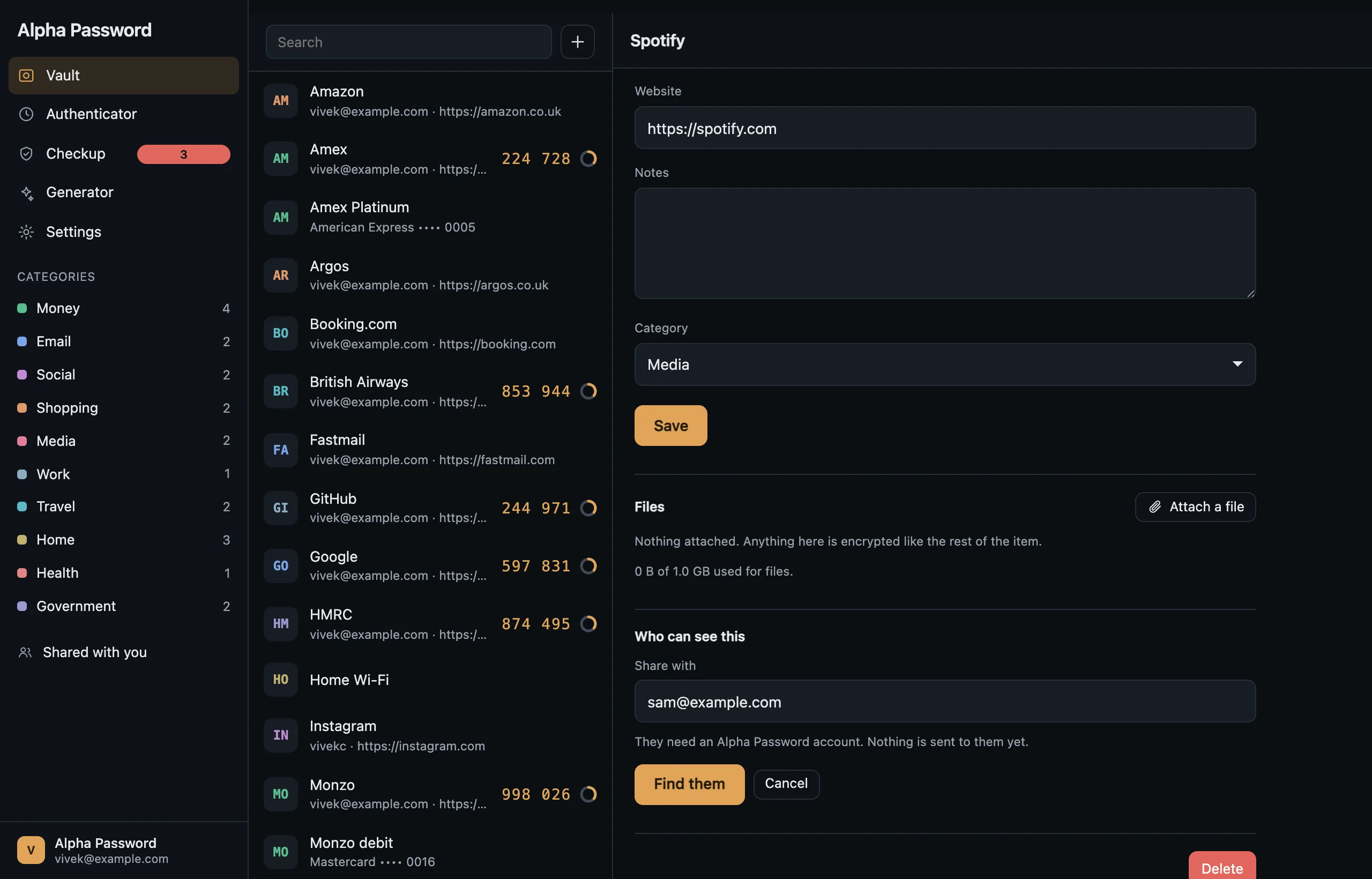
One item, with one person.

Reached from the item, because the question people have is "who can see this" and not "what have I shared".

  • You give an address; the server hands back that person's public key.
  • Nothing is sealed yet. This step has proved nothing, and the screen does not pretend it has.

Sharing · step two

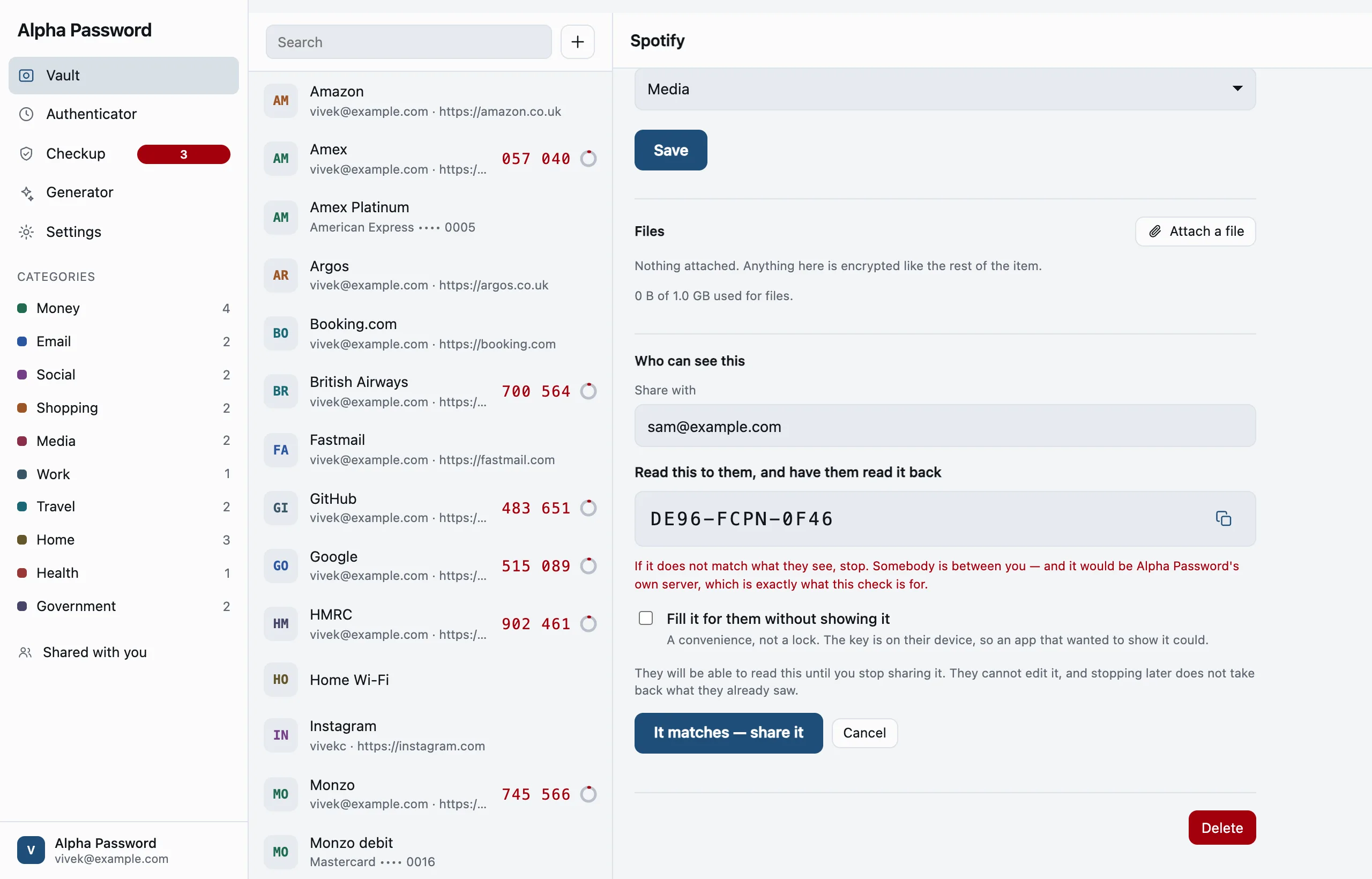
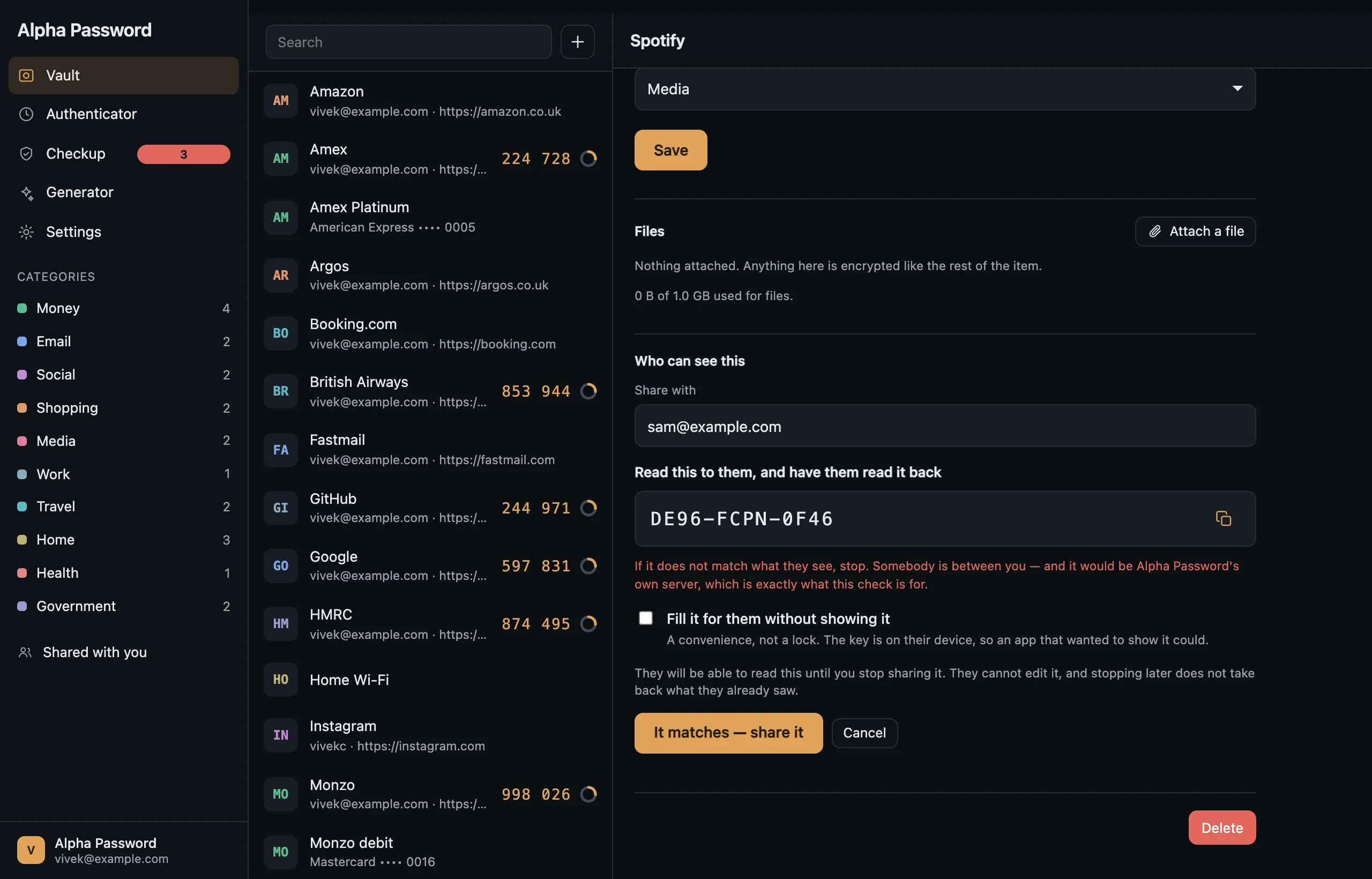
Twelve characters, read aloud. This is the whole security of it.

Alpha Password's server could hand over its own key instead of your friend's. The password would then be sealed to the server, and every screen would look exactly as it does now.

  • Two people reading twelve characters to each other is the only check that does not depend on the server being honest.
  • So finding somebody and sharing with them are two steps and cannot be collapsed into one — and the screen names the attacker it is for.
  • A published identity signature does not close this. It proves the identity key was bound to the signing key, not that the key you were handed is theirs.

Sharing · step three

Shared — and three sentences that are not decoration.

Sealed in your browser to that person, before it is sent. The server never sees it.

  • "Hidden" is not a security boundary. The key is on their device, so a client that chose to show the secret would. It is a convenience for a shared streaming account, and the words beside the checkbox say so.
  • Revoking does not take back what they already read. Said at the moment of revoking, not in a help page.
  • What helps afterwards is a new password on the site, which you then update here. Not your master password — they already hold that item's key.
vault.alphapassword.app
Sharing an item: typing the address of the person to share it with. Sharing an item: typing the address of the person to share it with.

Moving in

Nobody installs a password manager with nothing to put in it.

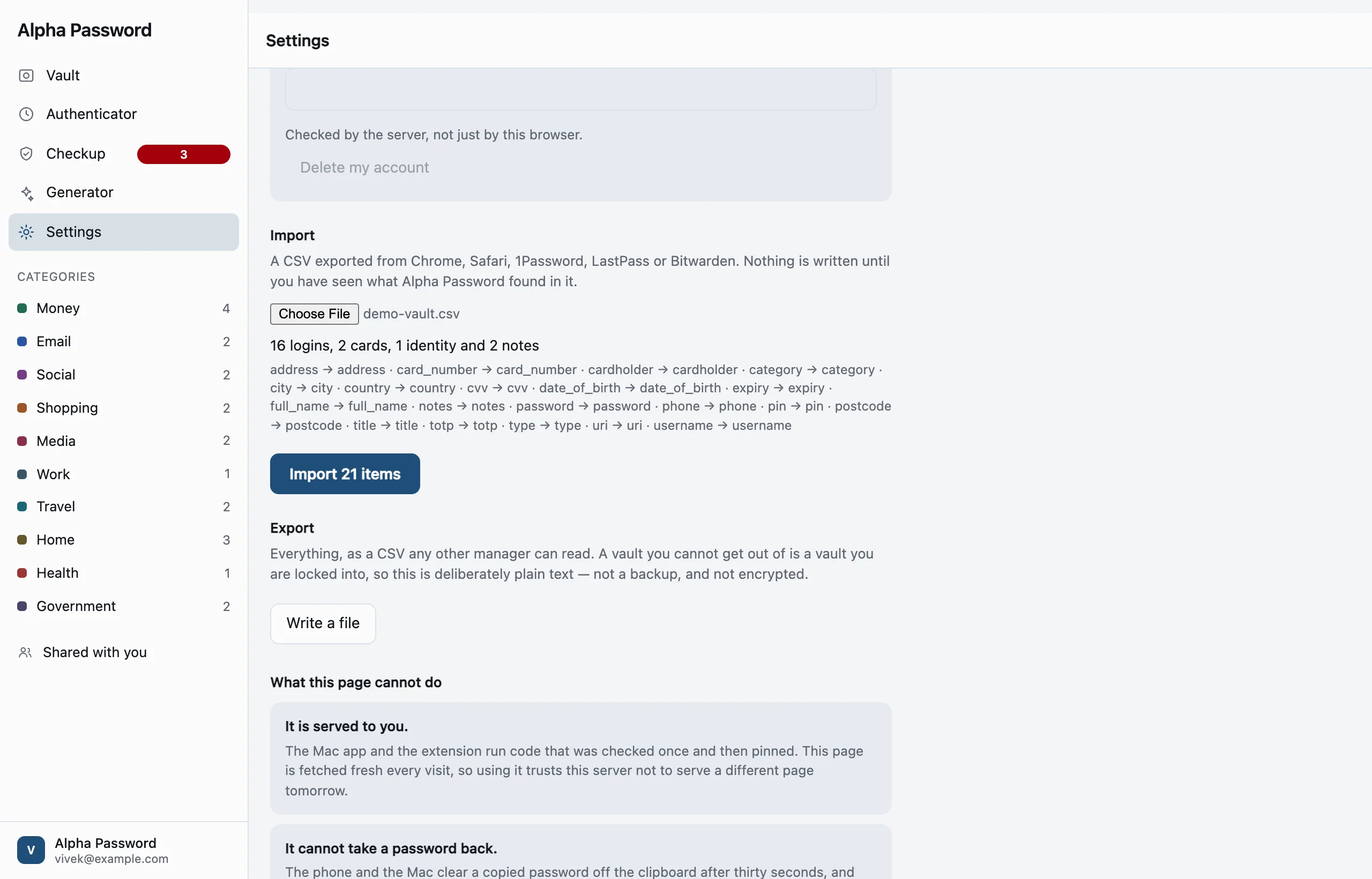
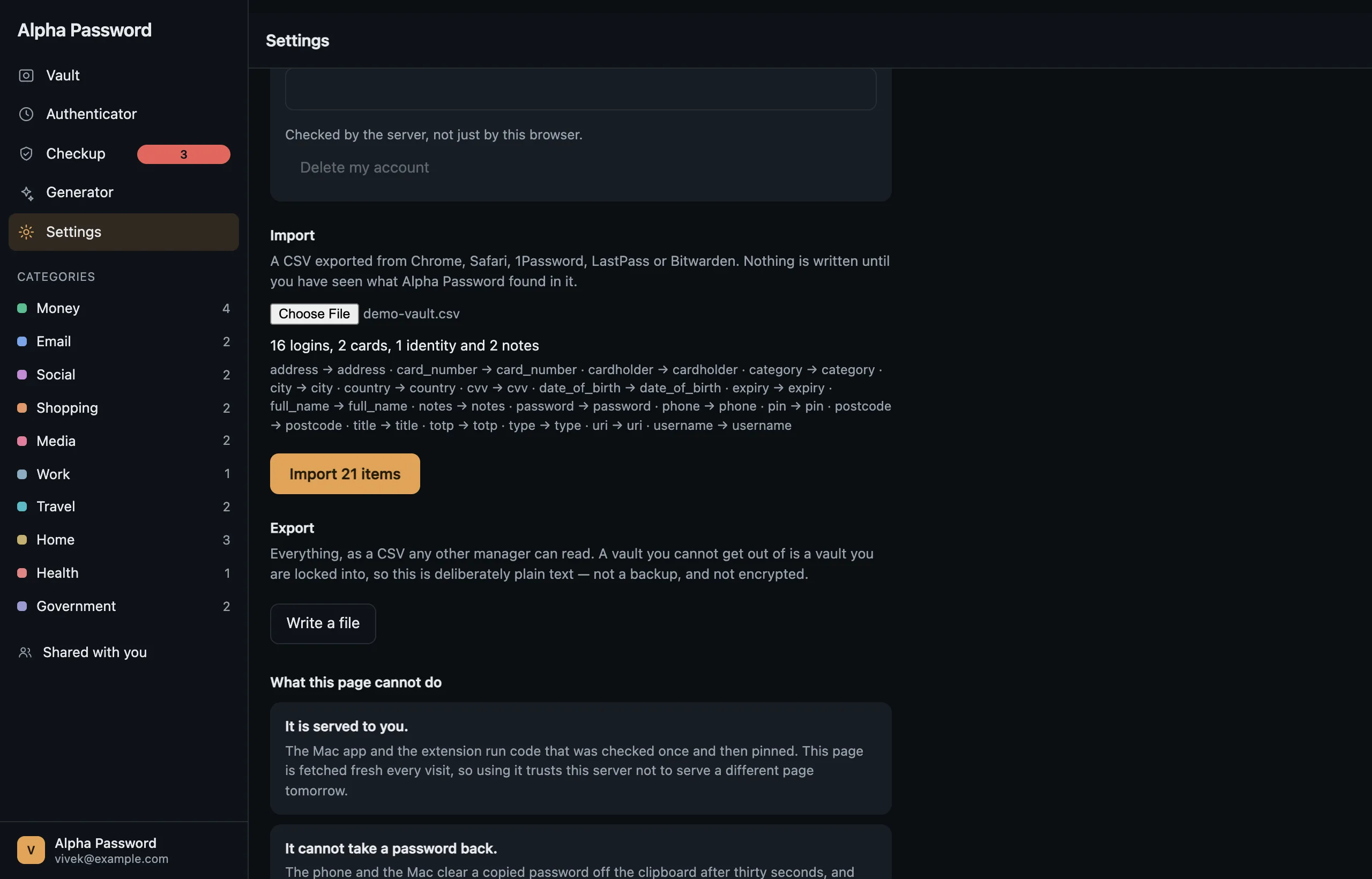
A CSV from Chrome, Safari, 1Password, LastPass or Bitwarden. Import is also what an empty vault leads with, rather than something in a submenu.

  • Export is the same file, so leaving is as easy as arriving.
  • It is deliberately plain text and says so — a vault you cannot get out of is a vault you are locked into.

Moving in

Nothing is written until you have seen what it found.

What each column was taken to mean, what will be created, and every row it could not read — named, with the reason.

  • A column it does not recognise is reported, not guessed at. Guessing wrongly here writes a phone number into a field labelled "card number".
  • The sentence about deleting the plaintext file afterwards sits above the panes, not inside the one that started the import.
vault.alphapassword.app
Settings: the server, the storage the account is using, and the password hint. Settings: the server, the storage the account is using, and the password hint.

Compared

Including the rows Alpha Password loses

A comparison that only lists what we win is an advertisement. Here is the whole board, as of September 2026.

 Alpha Password1PasswordBitwardenProton Pass
End-to-end encryptedYesYesYesYes
Sign-in without a password-equivalent (OPAQUE)YesNoNoNo
Open sourceYesNoYesYes
Run your own serverYesNoYesNo
Built-in authenticatorYesYesPremiumPaid
Apple Watch appYesNoNoNo
PasskeysYesYesYesYes
Cards and identitiesYesYesYesYes
Emergency accessYesYesPremiumPaid
Breach checkingYes, opt-inYesYesYes
Share with someone without an accountNoYesYesYes
Shared vaults and family plansNo, deliberatelyYesYesYes
Third-party security auditNot yetYesYesYes
Windows and Linux appsNoYesYesYes

Shared vaults are the one row Alpha Password does not intend to win. A shared container means rotating a vault key and re-wrapping every member's copy every time somebody is removed — a different product, not a bigger version of this one. Alpha Password shares one item with one person instead.

What it will not do

The absences are the product

Every password manager has these gaps. Most are quiet about them, which is how an absence gets read as a feature that works.

It will not check your passwords behind your back.

The breach check is off until you turn it on, and the screen shows what leaves your device before it leaves: the first five characters of a hash, one request per distinct password. The password itself never goes, and the reply is padded so its size says nothing either.

It will not let you share a password for editing.

Read-only sharing is refused rather than accepted and ignored: nothing in Alpha Password carries a recipient's edit back to the owner, so offering it would be a promise the whole stack silently breaks.

It will not promise that a delay is mathematics.

Emergency access waits the number of days you chose. That wait is a promise the server keeps, not one the cryptography enforces, and every screen that mentions it says so.

It will not pretend the web page is as safe as the app.

A page is fetched fresh every visit, so it trusts the server not to serve different code tomorrow. The installed clients run code that was checked once and then pinned. The vault page tells you this before you sign in.

It will not clear your clipboard from a browser tab.

The Mac app takes a copied password back after thirty seconds and checks first that you have not copied something else since. A page gets neither ability, so nothing here clears your clipboard and Settings says so.

Get it

Six clients, one implementation

The same Rust core does the cryptography on every one of them, so a password generated on a watch and a code read on a laptop come from the same implementation rather than from six that agree until they don't.

Live

Any browser

The full vault as a web page. Nothing to install, and the least trustworthy way to use Alpha Password — the page says so itself.

Not published yet

iPhone and iPad

Autofill, passkeys, attachments, sharing, emergency access.

Not published yet

Mac

Three panes: the rail, your items, and the one you picked, side by side.

Not published yet

Apple Watch

One-time codes, and only those. A watch cannot fill a form and is the screen other people read over your shoulder.

Not published yet

Android

System autofill and passkeys, with the same sixteen screens.

Not published yet

Chrome and Safari

Fills the page you are on and nothing else. It asks for one origin — your server's — rather than for every site you visit.

Every one of them has a server field. Run Alpha Password's server or run your own — it is the same software, and it learns the same nothing either way.

Questions

The ones worth asking

What happens if I forget my master password?

You use the recovery key you were given when you made the account, which is why that screen makes you tick a box before it lets you continue. If both are gone, the vault is gone. Nobody at Alpha Password holds a copy of either — that is the same fact as "the server cannot read your vault", seen from the other side.

Has Alpha Password been audited?

No. All three of the managers in the table above have been, and it would be dishonest to imply otherwise. What exists instead: the protocol specification is published, including its own list of limitations; the source is open; and the parameters any account was created with can be read back from the server at any time.

Can I move my passwords in from another manager?

Yes — a CSV from Chrome, Safari, 1Password, LastPass or Bitwarden. Alpha Password shows you what it found and what each column was taken to mean before it writes anything, and names every row it could not read. Export is the same file, so leaving is as easy as arriving.

Are the screenshots on this page real?

Yes, and they are generated rather than taken by hand: a script signs into a real server, imports a demo vault through Alpha Password's own importer, and photographs every screen twice, once per palette. One thing in them is not literal — the server address, which would otherwise show the throwaway loopback port the shoot ran on.

What does it cost?

Nothing yet, and there is no paid tier to upsell you to. When there is a price it will be for the hosted server, and running your own will stay free.

Why should I trust a password manager built by one person?

Trust the arrangement rather than the person: the server holds ciphertext it has no key for, the protocol is written down, and the code is open. Then check the arrangement — the row on this page comes out of a real database, and you can get the same one out of your own server.

Open it, and read the screen it opens with.

No account is needed to look. Making one takes a master password that Alpha Password cannot reset and a recovery key you write down — which is the whole trade, stated before you make it.